
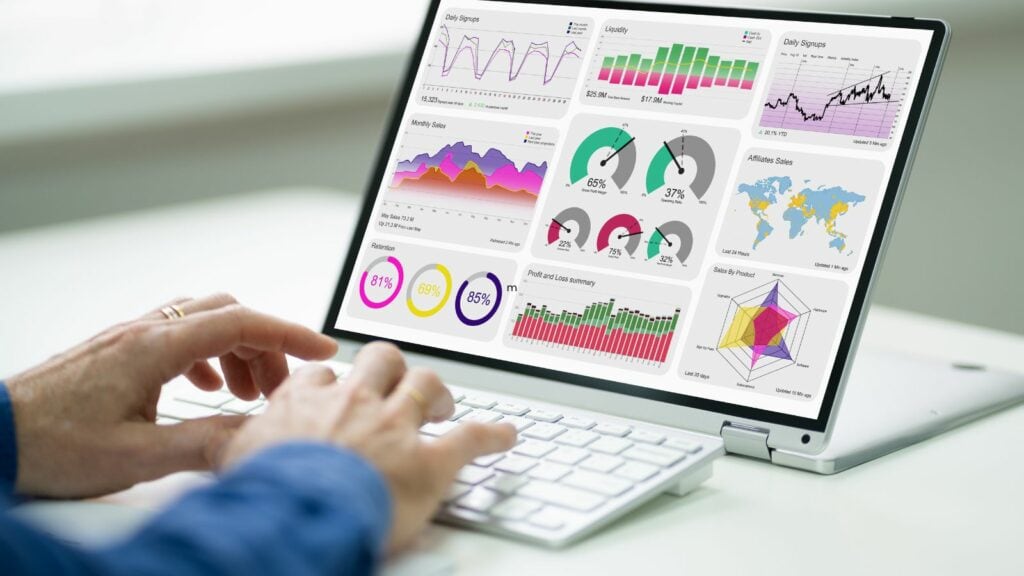

When you first started your business, juggling your workload might have been easy. But as the complexity of your projects continues to grow and as demand for your services increases, that might not be the case. You might now be running into constant challenges around managing client interactions and project workflows.
If this sounds like something you’re dealing with, it’s time to explore client dashboard software.
In this post, we’ll explore why every forward-thinking company should consider integrating client dashboard software into their arsenal of tools. We’ll then share a few examples of popular options you might want to look into purchasing.

Client dashboard software (also called client portal software) is a tool that helps you manage and monitor client-related information, conversations, and activities in one centralized place. Client portals offer several features to help you streamline project workflows, improve client communication, and analyze client data to improve your service.
If you’re running into any of these issues on the regular, then it might be time to ditch your old ways and look for a new solution:
Lack of transparency
Clients get frustrated with you when they don’t have visibility into the status of your projects.
Poor communication
Things get lost in translation over email threads or you experience constant delays getting the information you need from your clients. Both you and the client get frustrated with ongoing miscommunication.
Disorganization
Because you don’t file information in the same place consistently, you may struggle to access the documents, reports, or data you need when you need it.
Missed deadlines or budget overruns
Without proper project management tools, it's easy for projects to fall behind schedule or exceed budget constraints.
Difficulty analyzing client data
Without proper tools for analysis, it’s difficult to understand where you’re performing well and where you’re not, limiting your ability to improve.
Here's an overview of the key features most client dashboards offer and what they help you accomplish.
You can set up your dashboard to display the most relevant information to your business, be that project timelines or your client contact list. You can also choose from pre-built dashboard templates that already have widgets and modules included. These interactive dashboards help you find client data quickly.
Client dashboards pull data from multiple data sources, aggregating client data into a single view. This allows easy access to contact details, transaction history, and communication logs when needed.
Rather than communicating with clients over back-and-forth emails, you can rely on your client dashboard for integrated email, chat, and other messaging features. These enhanced and centralized communication features shorten response times to improve customer satisfaction. Some tools even send your clients automated reminders to reduce delays from clients.
Your client dashboard helps multiple users on your team manage tasks, share information, and check on project workflows for improved team coordination, again shortening delays and the chances of miscommunication between team members.
Client dashboards are powerful tools for making informed decisions based on your data and analytics. The best platforms help you pull from your data sources to create detailed reports on client activity, engagement, and satisfaction levels to give you actionable insights, You can even create custom reports to dive into the specific numbers you want to see.
Popular client dashboard tools connect with other tools you might use in your business like CRM systems, accounting software, billing platforms, and other plugins. These connections help you synchronize data across multiple tools so you always have the most up-to-date client information, whichever platform you’re working in.
Last but not least, a huge benefit of using dashboard tools is that, unlike other communication methods, they help ensure data privacy and security. Most popular tools come with encryption and compliance features to meet industry standards for data protection.
Not sure how to go about choosing the right client dashboard tool? Here are a few of the best options on the market.

Content Snare is purpose-built for secure content collection, client feedback, and document approval workflows, which makes it a standout for agencies, consultants, legal firms, and accounting professionals who need to manage client deliverables efficiently. Its automated email reminders and intuitive client interface reduce follow-up time by up to 71%, something traditional CRMs like HubSpot or Zoho struggle to match without heavy customization.
Because Content Snare focuses exclusively on content and document workflows (not contact management), it excels in scenarios where clients must submit structured content, upload files, or complete detailed questionnaires. This makes it indispensable for client onboarding, website projects, tax prep, and more - as explained in this user review:

Some of the key features of Content Snare are:
The bottom line is that Content Snare makes your business (and life) much easier. In the words of Total Education Solutions:
Our process was initially taking about three to four weeks with a lot of back and forth… Once we implemented Content Snare, we were able to get our process down to slightly under two weeks.
Sounds good enough?
Content Snare offers a two-week free trial you can sign up for here.
HubSpot is a comprehensive client dashboard software known for its robust inbound marketing and sales tools. It offers an intuitive interface, advanced analytics, and seamless integration with various marketing platforms, making it superior for businesses focused on attracting, engaging, and delighting customers. HubSpot's CRM is free, which gives it an edge over paid options like Salesforce, particularly for startups and small businesses.
Salesforce is renowned for its extensive customization options and powerful analytics, making it the go-to choice for large enterprises with complex needs. Its superior AI capabilities, through Einstein AI, provide advanced insights and automation. Salesforce stands out from competitors like Zoho CRM and HubSpot by offering industry-specific solutions and a vast marketplace of third-party integrations.

Zoho CRM is highly customizable and cost-effective, making it ideal for small to medium-sized businesses looking for scalable solutions. Its superior integration capabilities with other Zoho products, such as Zoho Books and Zoho Projects, provide a unified ecosystem for managing different aspects of a business. Unlike HubSpot, which excels in marketing, Zoho CRM offers a broader range of business management tools at a lower price point.

Asana is a client portal that excels in project management with a focus on team collaboration and task tracking. Its user-friendly interface and visual project timelines make it superior for managing detailed project workflows. Unlike Salesforce, which is primarily sales-focused, Asana is designed to enhance productivity across all types of projects, making it a better choice for organizations prioritizing project management over CRM functionalities.
Monday.com is a versatile work operating system that combines project management and CRM features, making it a superior client portal for teams seeking an all-in-one platform. Its highly visual interface and flexibility in creating custom workflows set it apart from competitors like Asana, which is more project-focused. Monday.com’s ability to integrate with a wide range of third-party apps adds to its adaptability and appeal.
Offering a centralized platform for communication, project management, and data analysis, client dashboard software isn't just a luxury — it's a necessity if you’re looking to stay ahead of the curve. We hope this post has given you some helpful insight into just how valuable a tool like this can be.
All of the client dashboards we mentioned excel in different areas, so you need to be clear on what’s the most important thing to you before you make that choice, be it marketing tools, collaboration tools, or the number of powerful integrations available.
Whether it's enhancing transparency, streamlining communication, or optimizing project workflows, the benefits of implementing such software are multifaceted and can catalyze significant improvements in client satisfaction and operational efficiency for your business!

Sylva Sivz is a seasoned copywriter here at Content Snare, based out of Vancouver, Canada. She has spent years working in agency environments and moonlights as a touring house DJ!


