
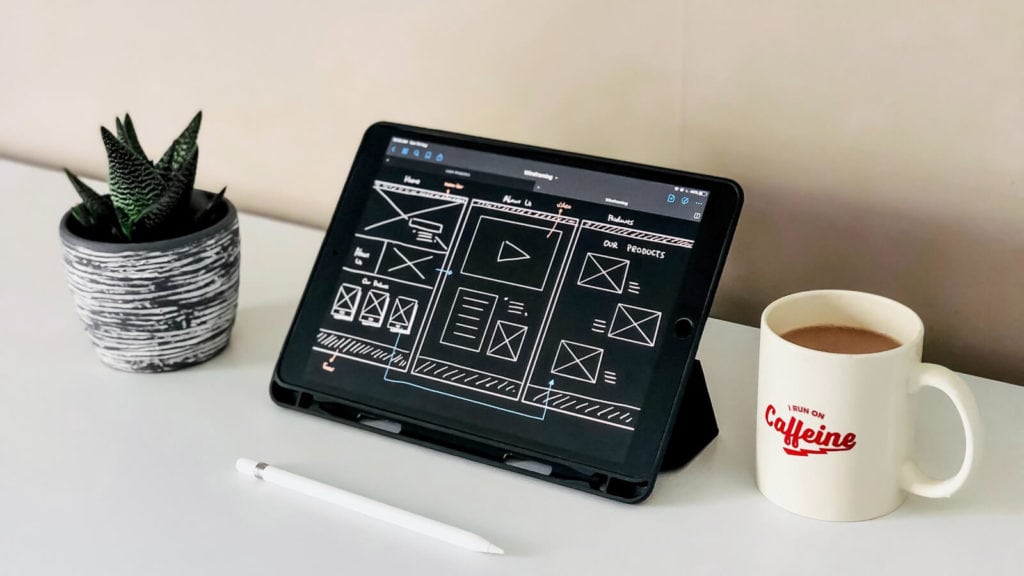

For a website to be born, a wireframe, mockup, or prototype has to come first. Every designer knows that wireframe tools are essential in the website planning phase of the project as these allow them to create options before coding the final product.
So what are the best wireframe tools to create your digital masterpiece as a UI or UX designer?
There are so many options to consider, so we are going to show you our list of the 10 best wireframe tools to help you narrow down your selection.
Methodology: For this roundup, we reviewed over 25 wireframing tools, comparing usability, integration capabilities, pricing, and collaboration features. We gathered feedback from web designers, UX teams, and agencies across industries to ensure each recommendation is based on real-world performance and results.
Template Toaster is wireframe software downloaded directly to your desktop. It’s a simple and powerful tool to bring your website design dreams to life.
Features:
Mockplus is one of the best when it comes to creating wireframes, mockups, and prototypes and certainly one of the most powerful. Mockplus lets you preview your project so you can get feedback from other users.
Unfortunately, Mockplus does not have all the features of Template Toaster. You can’t export your project, there’s no cloud storage and no email notification. That said, Mockplus does have plenty of pros.
Features:
Looking for a purely web-based platform instead of software you have to download to your computer? Moqups may just be for you. One of the benefits of a web-based platform is that you can work from anywhere across different devices.
Features:
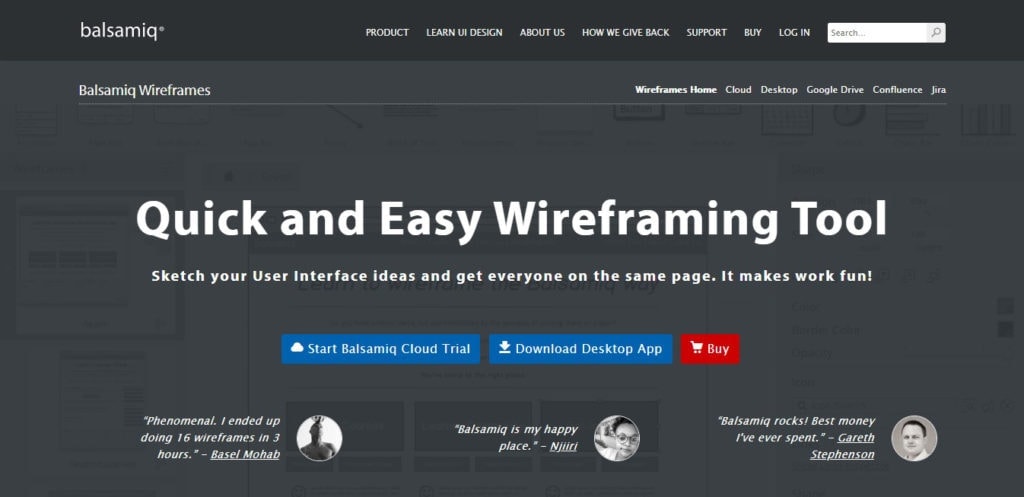
Balsamiq Mockups is known for designing wireframes fast as it focuses on sketching the wireframe rather than worrying about filling in too many details. Balsamiq Wireframes and Mockups is also an online wireframe tool.
Features:

InVision is a fantastic cloud-based option for creating high-fidelity prototypes that allow the user to create fully functioning examples of their website.
Features:
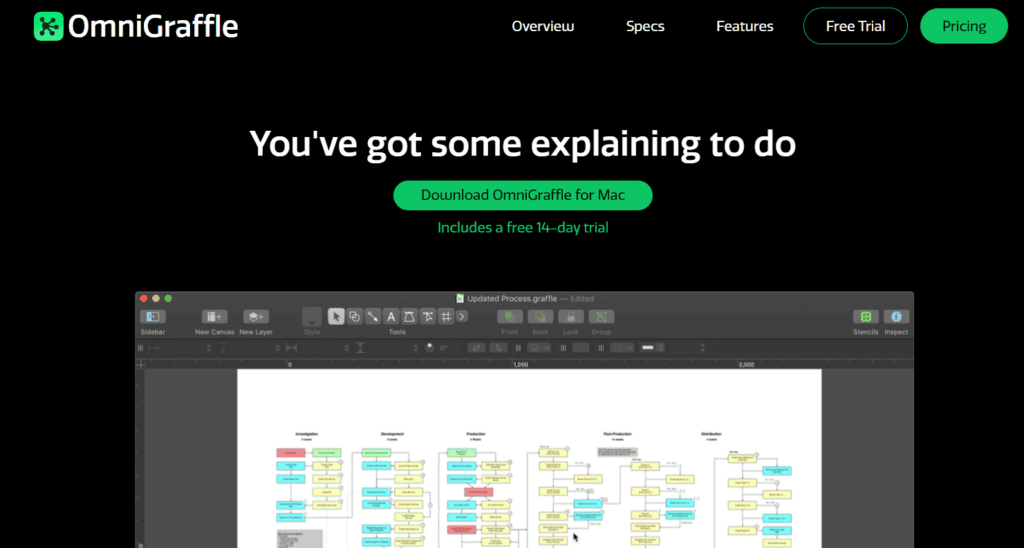
OmniGraffle is one of the best tools out there for designing wireframes, diagrams, and page layouts and it works flawlessly with Mac.
Features:
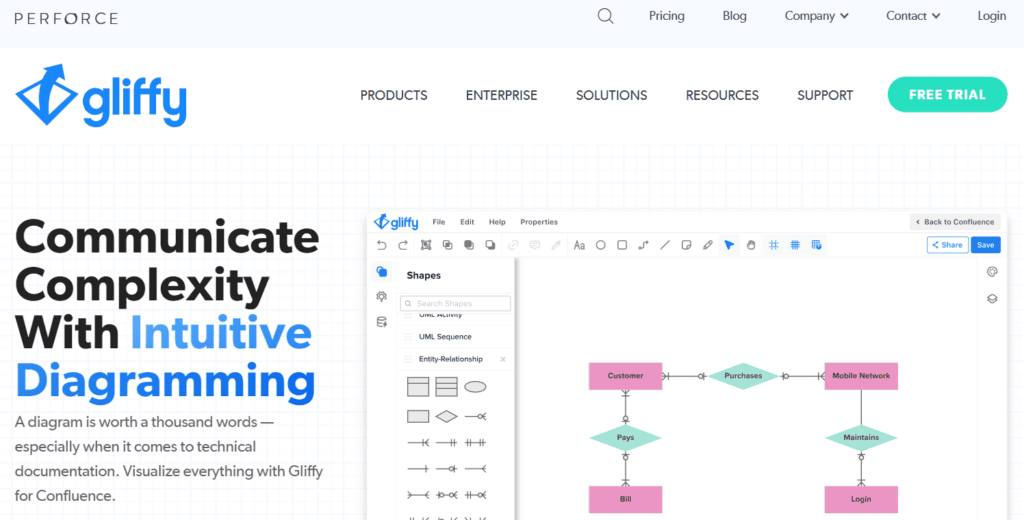
Gliffy is another web-based application that lets you use a wide variety of tools in your website production - including wireframes, technical drawings, network diagrams, UML diagrams, and flowcharts.
Features:

Marvel is a web-based design tool that allows you to create wireframes and prototypes. It includes support for sketch and Photoshop files that can then be added to a Marvel library to be stored or to receive feedback.
Features:
You may have heard of Canva for creating virtually any kind of web-based design – wireframes, mockups, and prototypes are no exception.
Features:
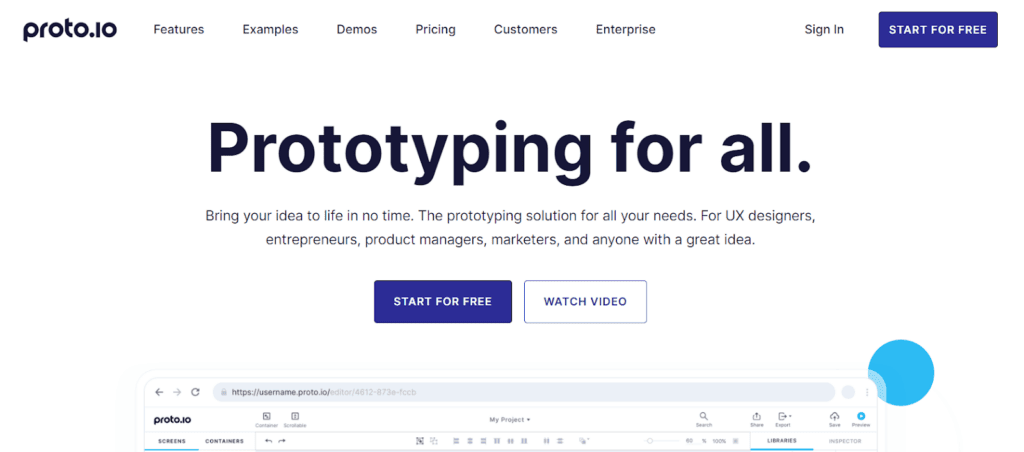
Proto.io is a purely browser-based wireframe tool that is easy to learn and work with. Proto.io is known for creating prototypes that function and feel real without any coding necessary.
Features:

Even the most powerful wireframing tool can only take you so far if you fail to collect the right information from clients.
That’s where Content Snare comes in.
Trusted by over 1,600 businesses worldwide — including web design agencies, accountants, and creative studios — Content Snare automates client document and content collection. According to a client survey, businesses using Content Snare spend 71% less time chasing information and see a 67% reduction in stalled projects.
By pairing your wireframing tool (whether it’s Figma, Balsamiq, or Adobe XD) with Content Snare, you can:
Sounds tempting?
Sign up for a free 14-day trial to see how Content Snare improves your website planning process.
A wireframe focuses on structure and layout, while a prototype includes interaction and design details.
By using a tool like Content Snare to collect project requirements, brand assets, and content before you start wireframing, you ensure your designs are based on complete, accurate information. This reduces rework, speeds up approval, and allows you to move from wireframe to prototype with fewer revisions.

James is the co-founder of Content Snare - a software platform that helps professionals collect content & files from clients.
Once an automation engineer, his new priority is to help business owners regain their lives, be more productive and get more done in less time.


