


Whether they work in a large law firm or a smaller one, the nature of a lawyer’s role involves long hours, tight deadlines, and pressure to deliver results to clients who depend on them on crucial matters.
While the legal profession may never change, law firms can always find ways to increase their productivity and work more efficiently with the help of dedicated tools for lawyers.
In this post, we’ll go over some of the areas where legal professionals unknowingly waste valuable time and suggest some of the best productivity tools that can make a world of difference.
Read on if you want to figure out how to save time, spend more time doing the things that matter most to clients, and enjoy a better work/life balance as a result.
| Methodology: To compile this list, we reviewed over 30 legal productivity tools across categories like client intake, document automation, time tracking, and practice management. Our evaluation considered feature depth, security compliance (including ISO 27001 certifications), ease of use, cost-effectiveness, and independent reviews from G2, Capterra, and the American Bar Association’s LegalTech survey. We also incorporated feedback from practicing attorneys in firms ranging from solo practices to Am Law 100 organizations. |

Legal research, case preparation, and court proceedings are some key areas where lawyers spend their time, but here are some other places where the minutes add up.
Preparing legal documents like contracts, briefs, and agreements is a time-consuming task. Even after initial preparation, lawyers then have to spend even more time reviewing and editing documents to ensure complete accuracy and compliance with legal requirements.
Legal professionals spend a great proportion of their time conversing with their clients to get their questions answered, providing status updates on case progress, and addressing concerns. This is obviously a very necessary part of the profession, but spending time on the phone or answering emails can often interrupt other important workflows like preparing casework.
Related: How to improve client communication in your business
Law firms are also responsible for taking care of administrative tasks like:
These manual day-to-day tasks quickly add up to take time away from higher-value activities.
It’s a good thing that these frustrations are shared by legal professionals all over the world as it helped give rise to helpful legal technology that solves these problems!
Let’s go over some different types of apps and tools lawyers can benefit from.
In our experience with law firms, the client intake process can be one of the most significant bottlenecks, especially in areas like immigration and litigation where missing a single document can delay a case by weeks. Law firms that rely on email for collecting information run into several issues that slow them down, like:
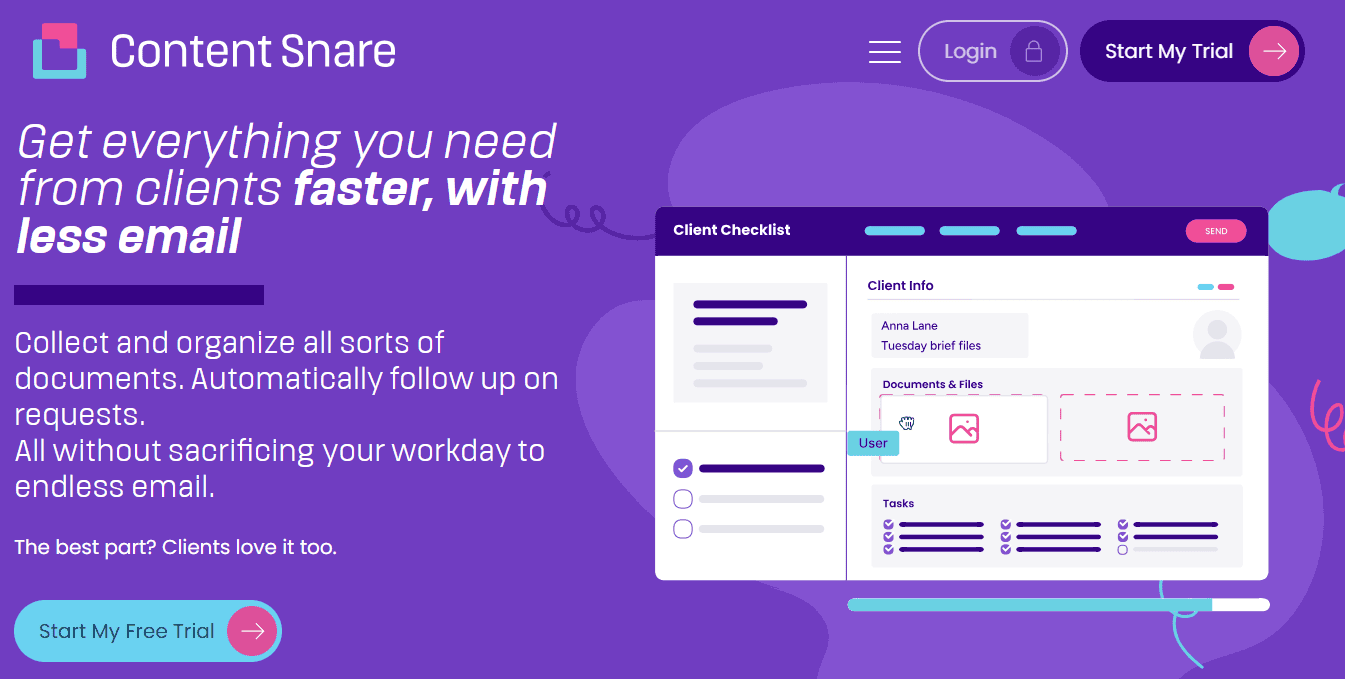
Content Snare is a data collection tool that helps legal professionals overcome the challenges and delays of collecting information from clients. The platform is ISO 27001 certified, using military-grade encryption to protect sensitive client data - a critical compliance factor for law firms.
Here’s why Content Snare is a particularly useful tool for lawyers:
1. It comes with a list of questionnaire templates like a law firm client intake form you can choose from to send to your clients so you don’t have to write them from scratch. Send them to clients as-is, or tweak them however you need to ask the right questions to build your case.
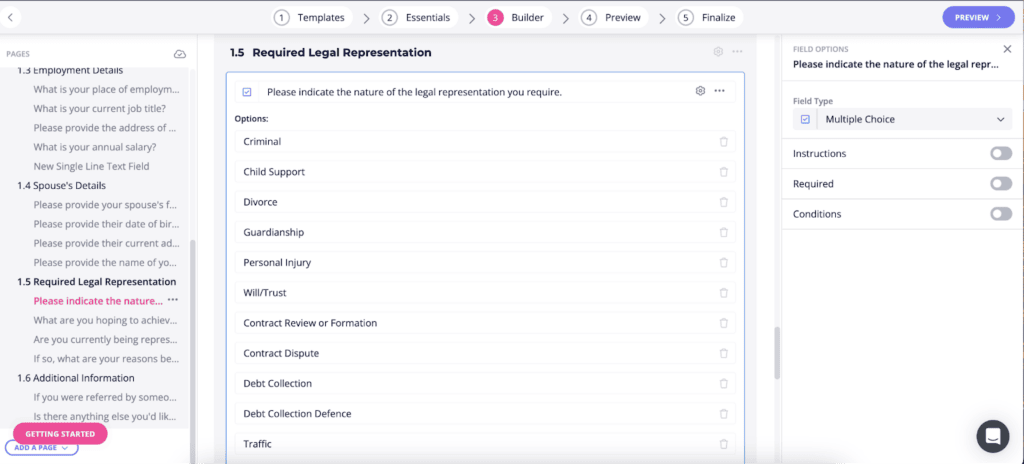
2. The tool comes with an auto-reminder feature that lets you set a deadline that you need clients to complete your request by and then reminds them accordingly. That's also why law firms using Content Snare spend 71% less time gathering information.
3. It has an approve/reject feature you can use on every client response you get, so if a client sends in the wrong information, you can flag it and have them re-submit immediately.
4. Content Snare lets your clients upload large documents, so you don’t have to worry about issues receiving them.
5. Last but not least, it’s incredibly user-friendly for all parties involved and delivers an excellent experience on your client’s end too.
Content Snare ensures that your entire legal team as well as your clients are always on the same page, knowing what’s been approved, what needs tweaks, and what’s still outstanding for a case to be prepared.
Related: Why use Content Snare over an alternative?
Document management tools or document automation tools help law firms simplify and speed up the process of drafting legal documents. Rather than having to write from scratch, they provide helpful templates that lawyers can use to prepare their documents faster and share them securely.
Drafting legal documents manually can lead to the following inefficiencies:

HotDocs is a document automation platform built to support law firms and legal departments with document preparation right from document drafting, to sending secure documents, and all the way to securing e-signatures.
Here’s how it works:
HotDocs is a fantastic tool to use to promote standardization of documents, improve productivity, speed up turnaround times, and ensure compliance. It even offers a number of integrations with leading practice management systems to streamline workflows.
A day in the life of legal professionals can look like bouncing between cases, switching gears to work on urgent matters, or working on multiple cases simultaneously. Without having a system in place to keep accurate time logs, things can get messy. You can end up:
One thing to note is that law firms need to bill different rates for different tasks like legal research, client meetings, and document drafting, so they need to make sure they have a way to keep their figures accurate.
They also need to be very transparent with their clients about all the work they’re completing and all the associated costs so there are no surprises when it comes to preparing billing statements.
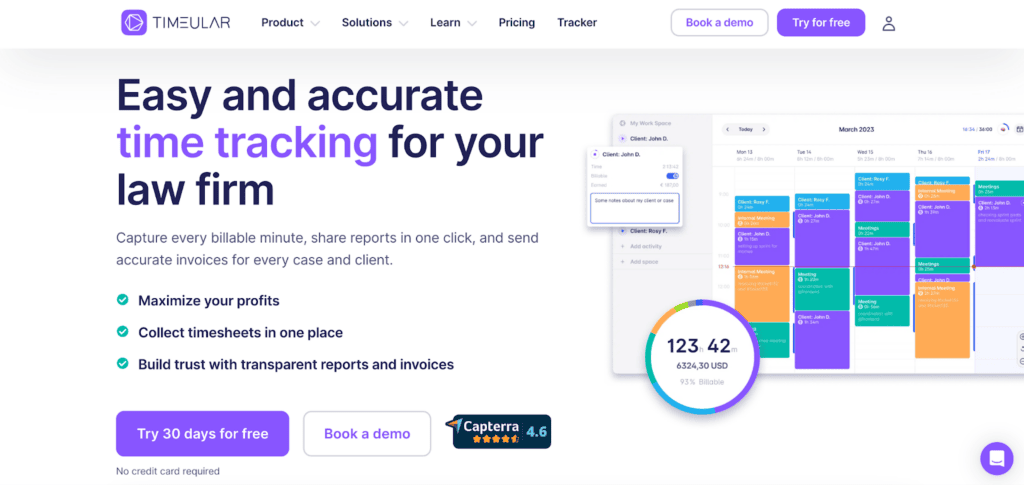
Timeular is a time-tracking app designed to help lawyers track all their time and billable hours automatically and effortlessly. Here are a few of its features that help:
1. Timeular is extremely easy to use whether you use it on your desktop, browser, or mobile. All you have to do is turn on the time-tracker and select what you’re working on and the app will work to track every second.
2. The tool allows you to customize hourly rates per case, activities, and clients for complete flexibility.
3. Timeular takes all the data you’ve collected to create automatic and customized reports for you and your clients. Review them yourself to see how close you are to going over budget, or prepare them for clients and pick and choose from how many details you want to show.
4. Timeular helps law firms gather timesheets from all personnel in one centralized place for review.
We highly recommend visiting Timeular’s how it works page to get an even better idea of how the time tracking software works.
Last but certainly not least, if you prefer to go with comprehensive legal software that helps you in more areas than one, you’re looking for legal practice management software which functions as an all-in-one solution.
Legal practice management software takes care of everything for you from document drafting, to case management, task management, organizing client information, managing client communication, and billing.
If you’re still not using practice management software for your law firm, you may be running into the following headaches:
Clio is a market leader when it comes to comprehensive legal practice management software.
It offers distinct features for case management, time tracking, billing, and document management all in one dashboard with an easy to use interface. Because everything is centralized in one place, it also facilitates smooth client communication and collaboration. Its handy integrations and mobile accessibility makes it easy for lawyers to work flexibly and streamlike their workflows.
Last but not least, it also provides tools for compliance, reporting, and analytics to help law firms gather the insight they need to reflect on their productivity and make the necessary tweaks they need for their performance.
With a 4.7 star review on Capterra and its positioning as the industry’s #1 legal software, it sounds like you really can’t go wrong by choosing Clio to enhance your organization’s performance; if you’re looking for alternatives though, here are a few more for you to consider:
Whether your law firm is already familiar with the software we’ve mentioned or is new to exploring apps for lawyers, we hope this post has given you some insight into how you can speed up workflows in the legal industry. Most modern law firms use a combination of different tools and it all depends on what works best for you. We recommend signing up for free trials to take these legal apps for a spin and see how you like them!
With our intuitive form-builder and ready-made templates, it’s never been easier to create powerful client intake forms that streamline your onboarding process.
Say goodbye to email and hello to Content Snare!
Client intake software, document automation tools, time tracking apps, and practice management platforms are key for lawyers to reduce non-billable hours and increase efficiency.
Not all legal productivity apps are secure, but leading platforms use encryption, access controls, and compliance certifications such as ISO 27001 to protect sensitive client and case information.

Dražen Vujović is a journalist and content writer. More importantly, he is a father of two and a long-distance runner.


