


If you work for an educational institution like an elementary school, college, or university, you might have been tasked with re-doing your student enrollment form. This may sound like a daunting task, but the good news is that with some guidance and the right tool, it won’t have to take you weeks!
In this post, we’ll share:
Just want to skip ahead to the questions? Click here.

Student enrollment is the process new students go through when joining a new school, which typically only happens once. During this process, students, parents, or guardians complete student enrollment forms to admit them to the school.
Student registration, on the other hand, happens at the start of every academic year or term to put students in their program. Student registration forms are filled periodically to collect the most up-to-date date student information.
In other words, students only enroll in a school once but register for the same school multiple times. Both processes involve the collection of detailed information that the school needs to accurately manage student records and support its students or children.
If you’re looking for help building a student registration form rather than a student enrollment form, check our other blog post Questions to ask in a student registration form + free template.
These questions help the school understand the student’s complete background, clarify the custody rights of their families, and identify the best point of contact.
You’ll want to ask questions about the student’s previous school in your student enrollment form to have a complete record of their educational history and performance to date.
These questions help capture an accurate representation of the student’s health to identify any support services they may need at the school.
These questions will help you identify if the student will need any special services or accommodations to support their learning.
These questions help you gauge how far along the student is in the enrollment process and whether the school has missed anything.
Save plenty of time building student enrollment form using our Content Snare template. Start with our list of questions and add/delete them as needed.
There are several ways that using a data collection tool like Content Snare can help you save time, ensure accurate information, and improve the process for everyone involved.
Rather than chasing parents, guardians, or students for information, locating attachments in emails, or asking them to bring photocopies of important documents in, data collection tools allow you to gather everything you need all through one form, saving you plenty of time when it comes to collecting data, as well as locating student records when you need it.
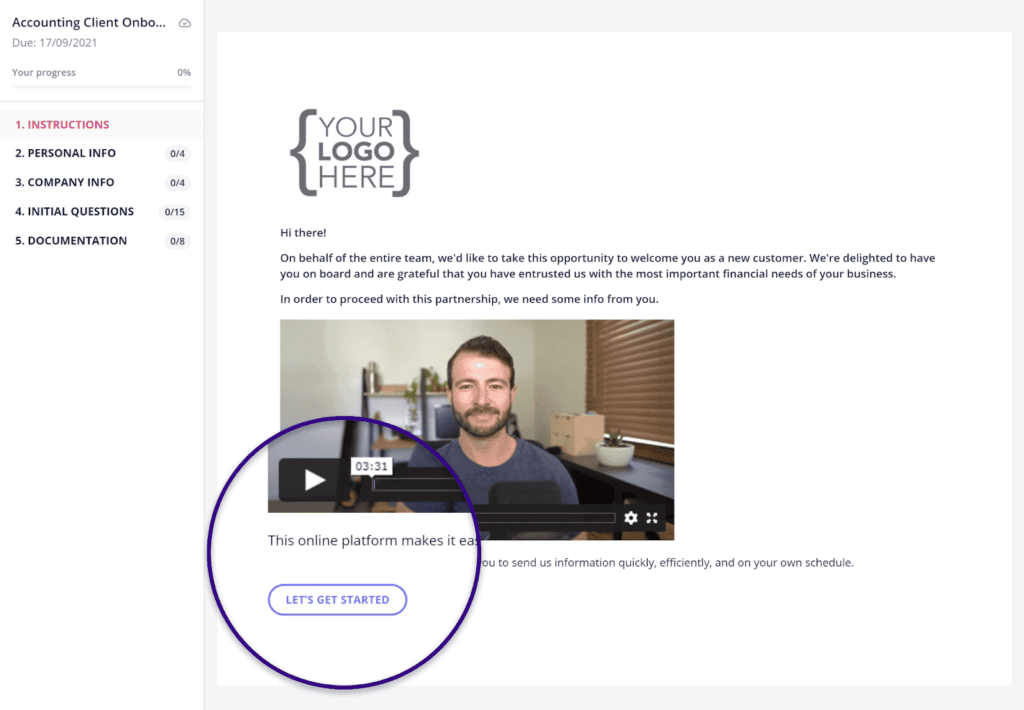
School enrollment forms have typically looked out of date and lacked character. Popular data collection tools on the market give you the opportunity to brand your form with customization options.
You can add your school’s logo, colours, and fonts to make it look more aesthetically appealing. You can even include your own welcome video to get students excited about enrolling in the school or include a video with instructions on how to complete the form.
School enrollment forms ask for plenty of detailed background information about the student, and sometimes it can take a while to find all that information.
Software like Content Snare keeps this in mind and auto-saves responses for the user so that they can complete the form in chunks and come back to it when they have the rest of the information. The easier you can make filling out the form, the fewer delays you’ll have getting the information back.
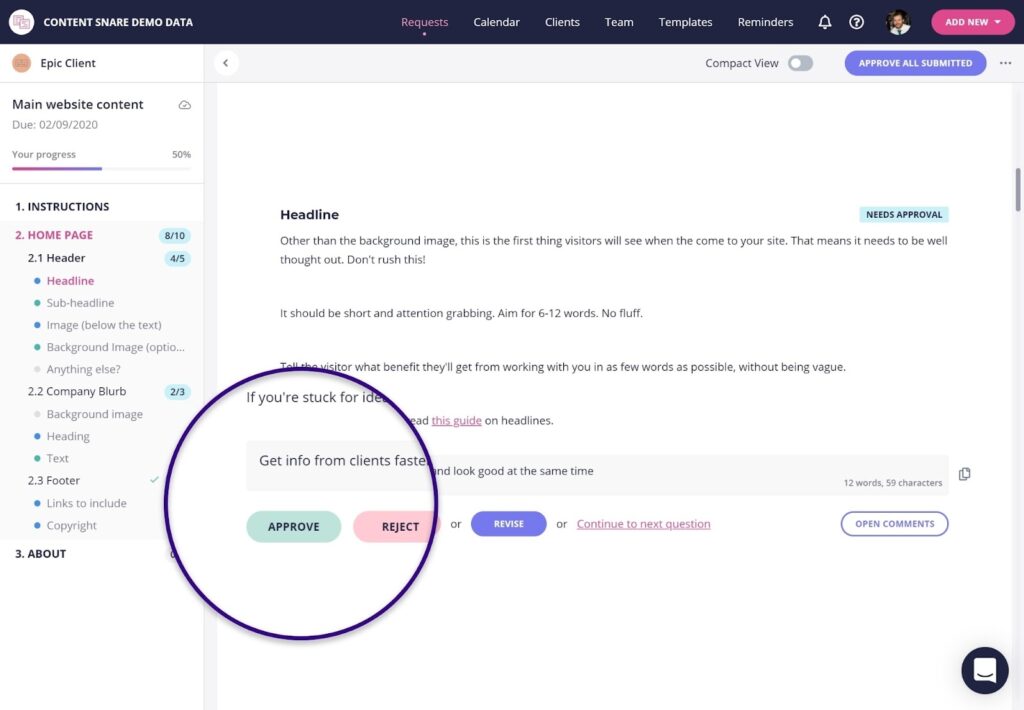
Data collection tools like Content Snare help make the student enrollment process even easier by offering features that allow the school administration to accept or reject the information submitted in the student enrollment form.
Let’s say that you ask form respondents to upload a birth certificate. You may receive a scanned copy that’s blurry, or a birth certificate in another language that hasn’t been translated. In such a case, you can reject the document upload and ask that they re-submit a more appropriate file. Super handy!
Documents like birth certificates, immunization records, and previous school transcripts are often large in size. When you ask for these files over email, you can run into issues receiving them. When you use a data collection tool that keeps this in mind, you ensure that you’ll have no problems receiving the files that you need to have a complete background on the student.
These are just a few ways that data collection tools can help you improve student enrollment. But not every tool on the market will offer all of these features. For more guidance on how to choose the right tool, read 8 of the best form builders and how they stack up.
We hope this post has given you some ideas for questions to ask in student enrollment forms to get a holistic picture of the students you’re enrolling in your school. We encourage you to explore our student enrollment form template below to save even more time!

Sylva Sivz is a seasoned copywriter here at Content Snare, based out of Vancouver, Canada. She has spent years working in agency environments and moonlights as a touring house DJ!


