


Moving to the cloud is both a tech and business decision because it makes organizations more secure, while helping them stay competitive.
Gartner predicts that by 2027, more than 70% of enterprises will use industry cloud platforms to accelerate their business initiatives — a huge leap from less than 15% in 2023. This means more companies are moving faster, but also expecting more from your cloud migration strategy.
That’s why asking the right questions upfront can save you months of back-and-forth, rework, and unexpected costs. In this post, we’ll walk you through the process of making a practical cloud migration questionnaire that ticks all of the key boxes.
Let’s take a closer look!
You should make a form that perfectly suits the needs of your organization (or client), but our list of questions will help you complete it much faster. Below are 20+ essential questions for the cloud migration form template to gather the most important technical, operational, and security details.
| Note: We’ll also show you what some of these fields would look like if you used Content Snare to create a questionnaire template. Content Snare has been trusted by over 1,600 clients across industries like IT, accounting, and legal, backed by hundreds of reviews and nearly a decade of proven results since its launch in 2016. |
The first section collects your basic project details to help us identify the scope and plan accurately.
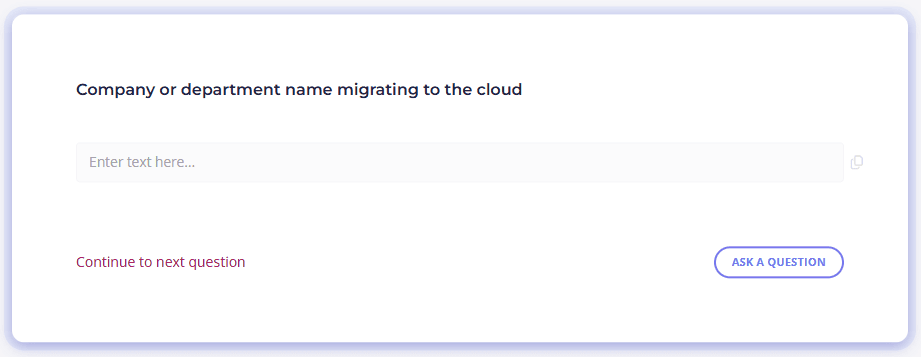
1. Company or department name migrating to the cloud
2. Primary contact for this project
Note: Provide name, role, and email.
3. What is the primary business objective of this migration?
4. What is the current project timeline or target go-live date?
Here, we gather technical details about your existing systems to plan the migration properly.
5. Describe your current hosting environment(s).
Note: Kindly specify whether it’s on-premises, colocation, private cloud, or multiple data centers.
6. How many applications are being considered for migration?
7. Please list all major applications or workloads that need to be migrated.
Note: Include their names and primary functions.

8. What operating systems are currently in use?
9. What databases are in use?
Note: List type, version, and approximate size.
The following set of questions help to map out how systems interact to minimize disruption during migration.
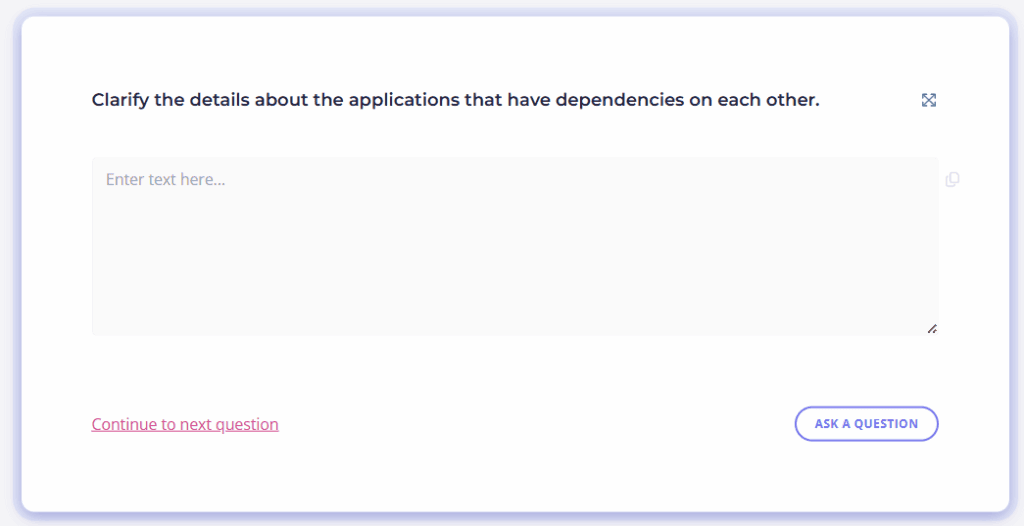
10. Do any applications have dependencies on each other?
If yes, list them and describe the dependency.
11. Are there any legacy systems that cannot be migrated?
If yes, please explain why and whether integration will be required post-migration.
12. Are APIs, third-party services, or external integrations part of the environment?
If yes, list and briefly describe them.
Now we’ll focus on your preferences and strategy for the destination cloud environment.
13. What is your preferred cloud provider?
14. Are you considering a single-cloud or multi-cloud strategy?
Note: Please explain the logic behind this choice.
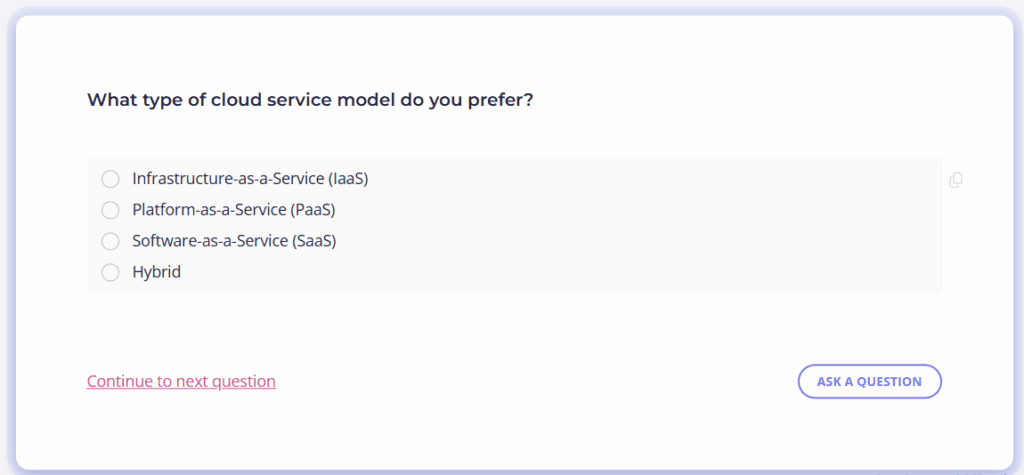
15. What type of cloud service model do you prefer?
Gathering this information ensures we can align with your business’s security policies and any compliance requirements.
16. What security standards must the cloud environment comply with?
For instance, these can be ISO 27001, SOC 2, HIPAA, GDPR, etc.
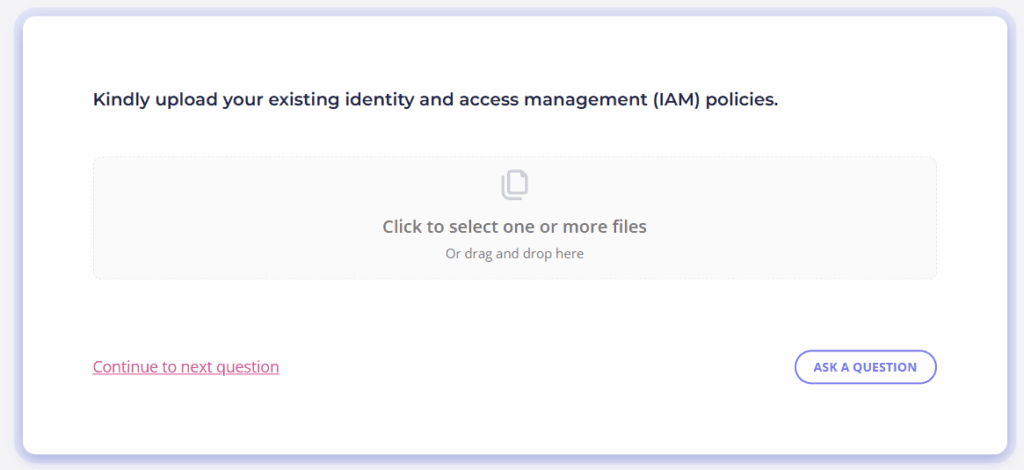
17. Do you have existing identity and access management (IAM) policies?
If yes, please upload these policies.
18. Are there specific encryption requirements for data in transit or at rest?
If yes, please detail them.
19. What backup and disaster recovery requirements must the cloud environment support?
This section captures budget considerations and operational management details.
20. What is the budget allocated for the migration?
Note: Feel free to provide a range.
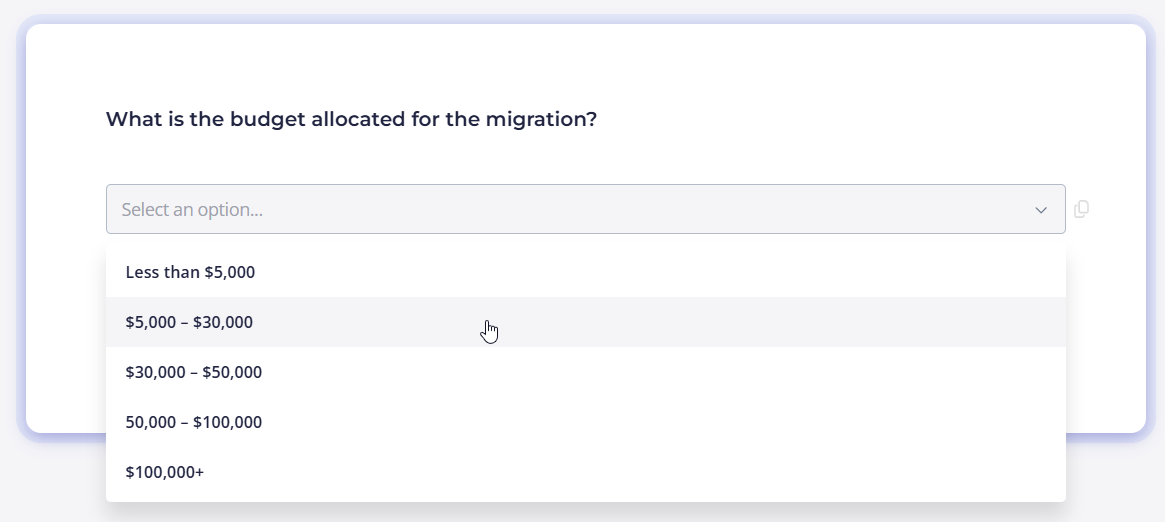
21. Who will be responsible for ongoing cloud management after migration?
For example, this can be your internal team or external Managed Service Provider.
22. Will cost optimization strategies be important immediately after migration?
Note: Think about possible autoscaling, reserved instances, rightsizing, and similar.
We may need the following documents to validate and properly plan your migration.
23. Upload your current application architecture diagrams (if available).
24. Upload inventory lists (servers, VMs, databases) related to the migration.
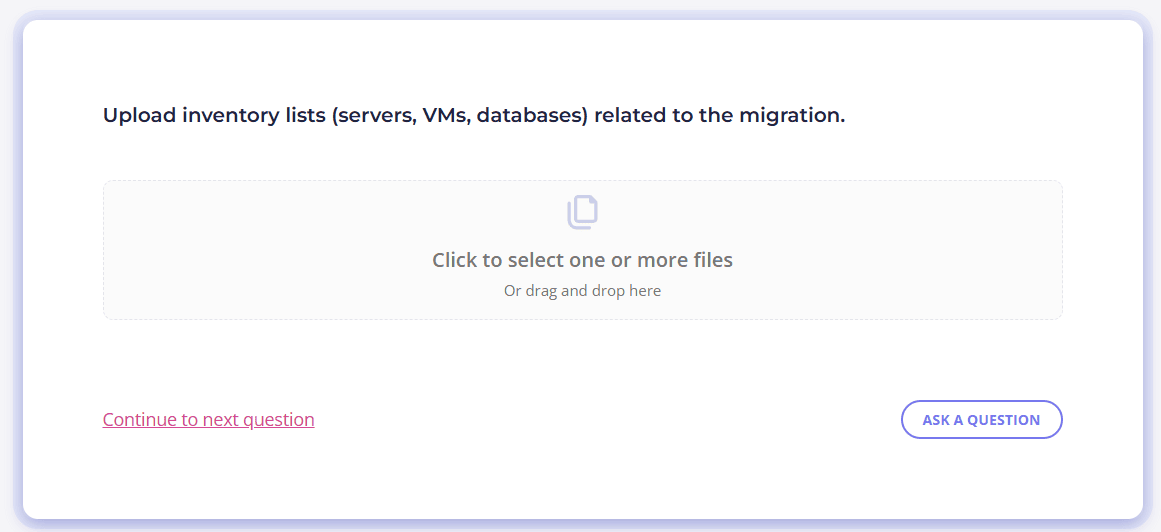
25. Upload any compliance audits, reports, or requirements documents.
A well-designed questionnaire is one of the most powerful tools you can use to reduce friction during a cloud migration. With Content Snare, you can turn your cloud migration questionnaire into a smart intake form that leaves no room for misunderstandings.
Thanks to its advanced features, the system helps you collect the right information from internal teams or external clients without the back-and-forth. Some of these features include:
Thanks to these—and many other—features, Content Snare makes the entire cloud migration process smoother for everyone involved.
Start your free 14-day trial and create a perfect cloud migration questionnaire with Content Snare in just minutes!
Before migrating to the cloud, it’s necessary to ask about your current infrastructure, application dependencies, security requirements, compliance needs, and long-term cloud strategy.
The first step in cloud migration is to assess your current infrastructure and business goals. Once done, plan your strategy, timeline, and cloud model. Next comes preparing the target environment with the right configurations, followed by migrating workloads through methods like lift-and-shift or re-platforming. After migration, you need to conduct testing to make sure everything functions as expected.
A cloud migration questionnaire helps you identify possible risks and plan resources before migration begins. That way, you won’t miss any technical or operational details that could lead to delays or rework later.

Dražen Vujović is a journalist and content writer. More importantly, he is a father of two and a long-distance runner.


