


Sharing files should be effortless, but too many people still struggle with giant sized email attachments and incorrect download links. You can avoid this frequent frustration by using a file sharing portal.
It’s a great tool for collaborating on a project, sending documents, or just keeping your digital ducks in a row. The only question is — how do you pick the right one? In this post, we’ll break down what actually matters when choosing a file sharing portal and highlight some of the best options for different needs.
To help you confidently pick the best platform, we evaluated each tool based on real user feedback (via G2, Capterra, and the Xero App Store), core features like security, ease of use, scalability, and suitability for different business models. We also considered our experience with client collaboration platforms across industries like accounting, legal, and digital services.
Let’s dive in.
A file sharing portal is a centralized online platform where you can store, share, and access files with others. It’s a tool that helps you securely send documents, images, videos, and more, without worrying about email attachment limits or lost USB drives.
Though it may seem unnecessary for some, a dedicated portal will drastically improve your work if you've ever:
For individuals, it’s a great way to store and access files from anywhere (no USB sticks needed). For teams and businesses, it improves collaboration and data security.
Certain portals are plain easy to use, others are great for client collaboration, while some shine in security. In other words, the best tool for you depends on what you really need it for. To save you the endless scrolling and second-guessing, we’ve rounded up five top-notch file sharing portals with unique advantages.

Content Snare is a professional data collection platform for client-facing organizations. If you’ve ever chased down clients for documents — waiting days (or weeks) for missing files, dealing with incomplete submissions, or reminding them again and again — Content Snare is here to save you the headache.
Businesses that use our platform reduce document collection time by up to 71% and see a 77% drop in data gathering costs, based on a user survey. Content Snare isn’t just a file sharing portal but also a guided document collection tool designed to make gathering information painless for both you and your clients:

Source: Content Snare form template library
Here are a few major features that make Content Snare stand out:
Here’s how Liston Newton Advisory explains the perks of using Content Snare:
It has improved the efficiency by 50%, but we're still continuously improving it. Data accuracy and completeness improved massively, I would say 70%.
The only downside is that Content Snare doesn’t allow for real-time collaboration as it’s built for structured file collection rather than back-and-forth editing. However, if you need a streamlined and super-secure way to collect files from clients, Content Snare is probably the best you can get these days.
The platform also offers a free trial, so feel free to sign up and see Content Snare in action.
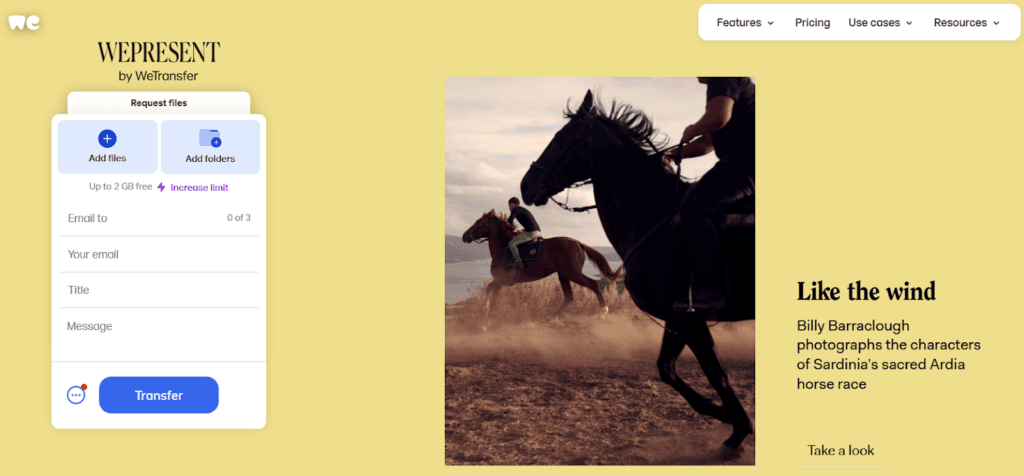
WeTransfer is the go-to platform for all who want to send a file quickly, without creating an account or jumping through hoops. It’s designed for frictionless file sharing — just upload your files, enter the recipient’s email, and hit send.
There are no logins or complicated settings. These are the features that make WeTransfer so good:
On the other hand, WeTransfer does have its downsides.
For one, your files vanish after 7 days in a free version. If your recipient doesn’t download them in time, you’ll have to re-upload and resend. And since files disappear, clients and colleagues might keep asking for re-uploads. In addition, WeTransfer has a limited free plan because you get only 10 transfers per month before it nudges you toward the paid version.
The bottom line is that WeTransfer is excellent when you need a quick, no-fuss way to send files, but it’s not ideal for long-term storage or frequent use.
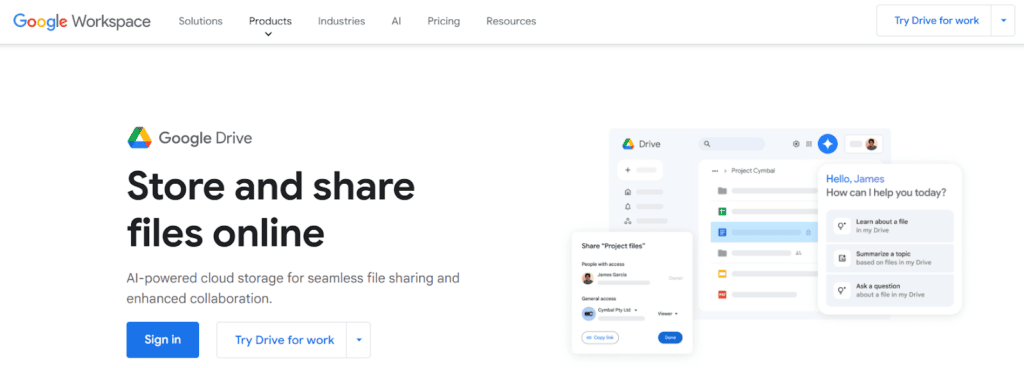
Google Drive is the go-to cloud storage solution for anyone looking to store, organize, and share files with ease. If you already have a Google account, you’re good to go — no extra sign-ups required. The system integrates with Google Docs, Sheets, and Slides, making it a natural choice for personal use, students, and freelancers who rely on a broader Google ecosystem.
These are the features that make Google Drive an attractive option:
However, Google Drive does have its downsides.
For one, the 15GB free storage is shared across Gmail, Google Photos, and Drive, so it fills up quickly if you use Google services extensively. In addition, file organization can get messy if you don’t actively manage folders, while sharing permissions can be confusing, especially when collaborating with multiple people.
The security issue is also important. While Google encrypts data, it isn’t the most privacy-focused option.
In a nutshell, Google Drive is a superior choice for personal use because it offers generous free storage and easy access across devices. But if you need more privacy or advanced sharing controls, you may want to explore other options.
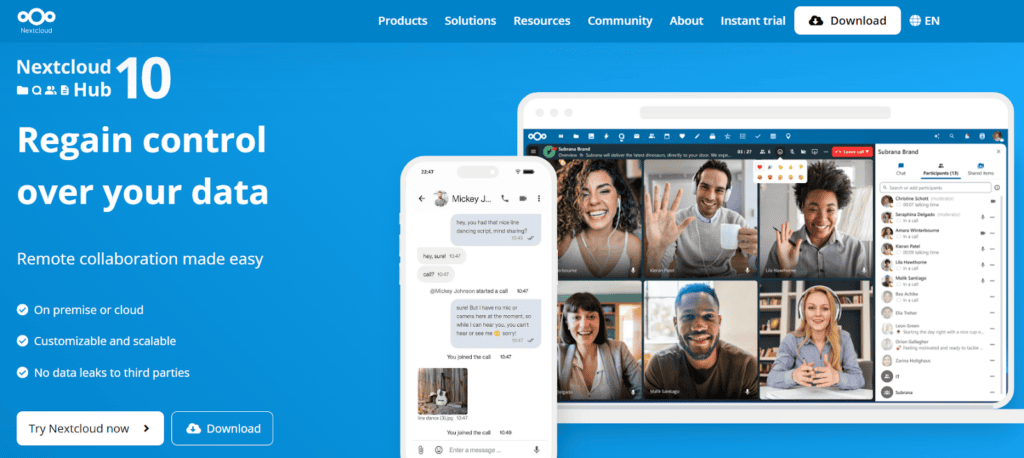
For enterprise-level organizations that prioritize privacy and full control over their data, Nextcloud is a reliable, self-hosted file sharing portal. Unlike cloud-based solutions, Nextcloud lets you host your own file storage on your own server, thus guaranteeing maximum security and no third-party data access.
Here’s what makes Nextcloud a top choice in this field:
While Nextcloud gives you full ownership over your data, it does require technical setup and ongoing maintenance. Simply put, you’ll need a server and decent IT knowledge to configure and manage it properly. This is in stark contrast to most plug-and-play cloud solutions.
On the other hand, it remains a powerful choice for businesses handling sensitive data or tech-savvy users who prefer self-hosting.
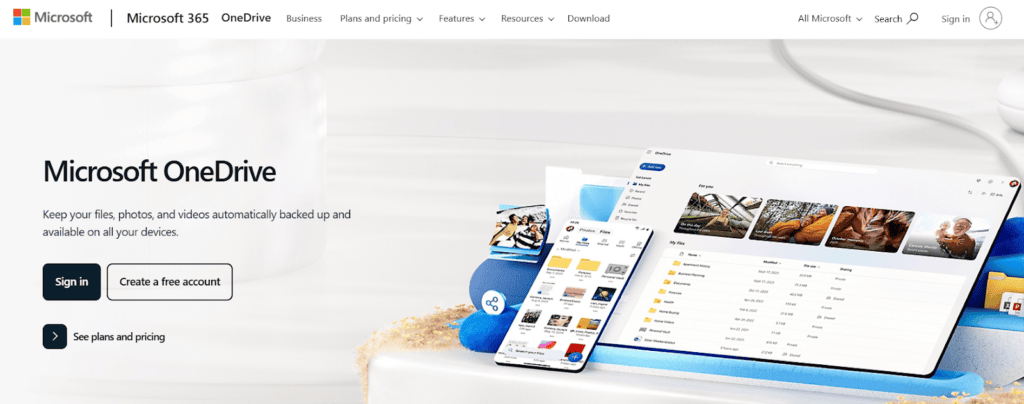
If you live and breathe Microsoft Office, OneDrive should probably be your go-to file sharing portal. As Microsoft’s cloud storage solution, it integrates with Word, Excel, PowerPoint, and Outlook, and this makes it the natural choice for Windows users, professionals, and businesses already relying on Microsoft 365.
Here’s why OneDrive is a solid file-sharing pick:
That said, OneDrive isn’t the best choice if you’re not already in the Microsoft ecosystem. While it plays well with Windows, its integration with other platforms (like macOS or Linux) isn’t as smooth as you might expect. However, if you work with Microsoft Office daily, OneDrive is a no-brainer.
Choosing the right file sharing portal comes down to how you work and what you need. In other words, the key is to pick a pro tool that fits seamlessly into your workflow, so you’re not constantly fighting with clunky interfaces, file size limits, or lost documents.
We encourage you to take advantage of free trials to test out different platforms. That way, you’ll quickly find the system that makes file sharing effortless for you and your team.
Tools like Content Snare and Nextcloud are among the most secure options. Content Snare is ISO 27001 certified, offers military-grade encryption, and is purpose-built for secure client collaboration.
Google Drive and WeTransfer are popular due to their ease of use and free tiers. However, if you need a more professional experience, Content Snare offers a customizable portal and automatic client follow-ups.

Dražen Vujović is a journalist and content writer. More importantly, he is a father of two and a long-distance runner.


