

Whether you’re about to kick off a new campaign with an existing client, or are in the process of onboarding a brand new one, requesting documents from clients can be a real mess!
It usually involves a lot of back and forth, endless email threads, having to constantly remind them to send over the files you need …. then half the time you end up with the wrong files anyway. For example, almost 70% of accounting firms consider document collection to be their biggest challenge, but the situation is not much better in many other industries.
So, how can you make the process of requesting files from clients a lot easier and save yourself some time? We explore the best ways to get clients to send paperwork on time.
Note: In putting together this guide, we evaluated common client file-request methods used across industries like accounting, digital marketing, and legal services. Our criteria included efficiency, client experience, data security, and scalability.
Spare yourself the headache of chasing clients around for files when you use Content Snare, an all-in-one solution to requesting files with built-in checklists, automatic email reminders, and easy uploads.
Email is still a popular way for agencies to request files from clients because it’s such a simple and professional communication channel. But here are some of the problems you might run into:
One of the biggest pains with using email to receive files is that it will limit file sizes when clients are trying to send you large files like poster images, for example. You don’t want to put your clients in a situation where they have to come face to face with this annoying notification.
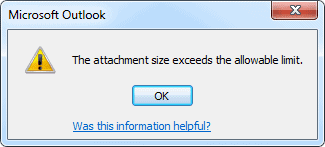
What ends up happening is that they reach out to tell you they tried to send over the file, but couldn’t. Now either you, or they, are stuck looking for an alternative and wasting time.
If you have to collect a lot of files, there's a higher chance something will go missing.
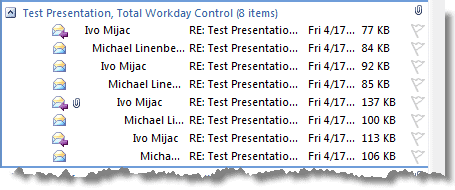
Problem #2 with email is that you end up losing your attachments deep in your email threads, especially when clients upload multiple files. Does this sound familiar?
* Open email, look for attachment, nope, not in there. Close email.*
* Open next email in the thread, look for attachment, nope not in there either. Close email.*
Another huge time waster!
If you’re adamant about using email though, there are a few things you can do to stay organized:
When it comes to sensitive client files, email is notoriously vulnerable to security risks. Standard email communication isn't encrypted by default, which means confidential documents can be intercepted during transmission.
Hackers can potentially access email accounts through phishing attacks, malware, or by exploiting weak passwords, putting your clients' sensitive information at risk.
Related: How secure is email? Hint: not secure enough
Ultimately, it all breaks down like this: though email is one of the most common ways to request files and docs, it definitely isn't the best way to get clients to send paperwork on time.
An easier way to receive large files from clients is to use shared drives. Some popular ones worth checking out are DropBox, Microsoft OneDrive, and Google Drive.
All of these tools give you the option of sharing your folders with your clients via email or by copying over a unique link, but there are a few key differences:
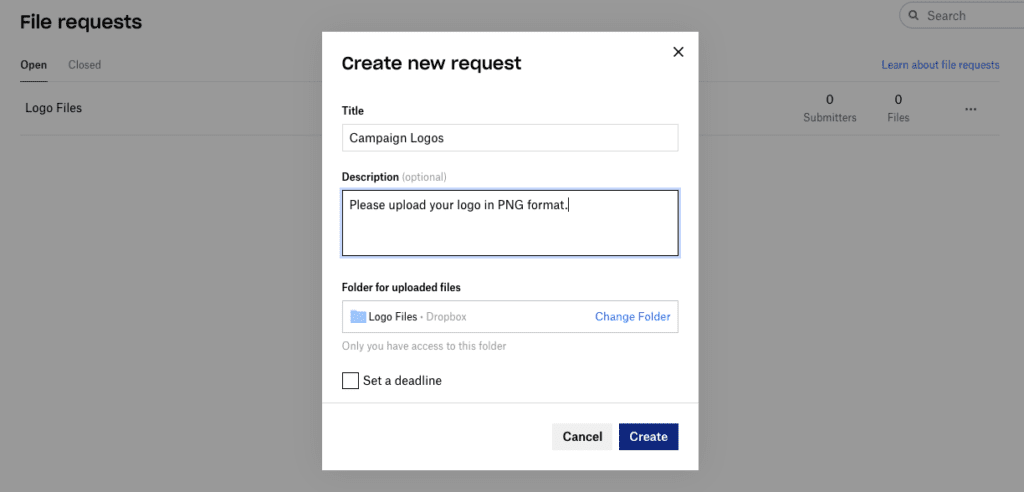
What we love the most about Dropbox is that clients can send you files without being required to have a DropBox account. Anything that reduces barriers for clients like this is a win to us.
Dropbox file requests are very easy to set up. When you make a request, you’ll need to name your folder where the files will go, provide a description on what’s needed in the folder, and you can even set a deadline if you want to.
You can get anywhere from 2 GB of storage for free or up to unlimited storage depending on your subscription plan. To check out their pricing options, see pricing options for individuals and pricing options for business.
Google Drive is another upload link option your clients can use to get files over to you. Unlike Dropbox, it doesn’t have file request options, but you can invite your clients to shared folders they can upload to.
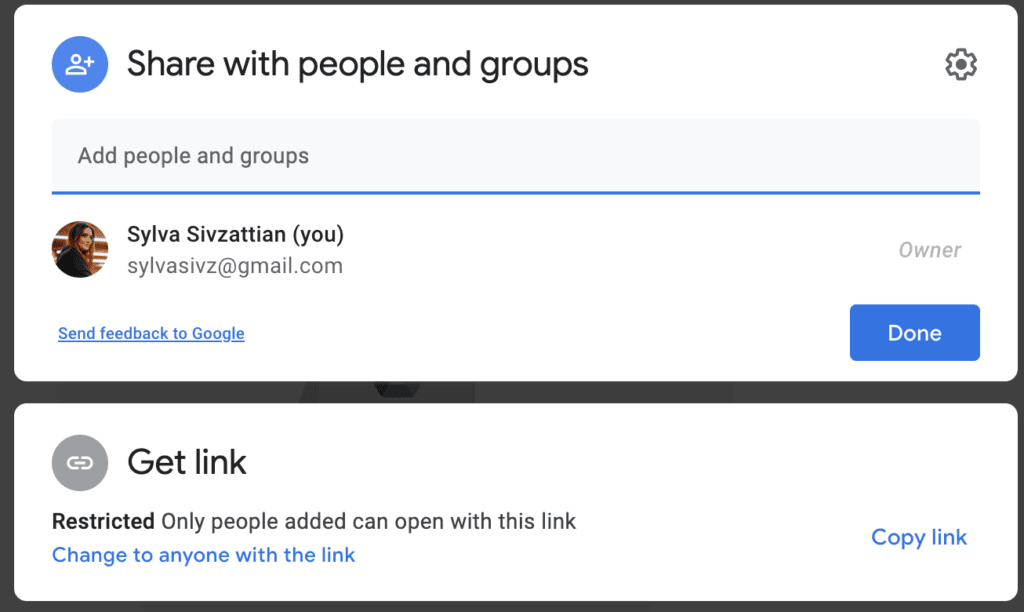
The downside of Google Drive though is that it’s not barrier-free. Your clients will need to have a Google account to be able to upload into those folders.
As for pricing and storage, Google Drive starts you up with a generous 15 GB of storage space for free, with options to upgrade up to 2TB.
A unique feature OneDrive has over the others is the option to set a password for your folders if you’d like to add some more security.
But OneDrive also requires your clients to have a Microsoft OneDrive account to be able to upload files.
OneDrive starts you off with 5GB of free storage and several upgrade options for home and business.
Before we move onto another way to receive large files from clients, we thought we’d warn you about some of the downsides of using shared drives for requesting documents.
To get around the issue of not being able to collect text information from clients, forms are another option. They give you the freedom to combine checklists and file uploads together in one place.
If you’re only requesting a small number of files, here are some traditional forms tools to explore:

All these tools let you create completely customized forms you can add your own questions to like “please upload your logo” to collect files, or “please enter text” to collect text responses.
Here are some headaches you can run into when you use forms to request files:

Built in 2016, Content Snare has grown to serve over 1,600 businesses worldwide. It is especially popular with accounting, bookkeeping, and legal professionals who need ISO 27001-certified security. You’ll definitely like Content Snare if you’re looking for an all-in-one tool to handle the entire file request process from uploads to emails, and checklists.
Here’s how Content Snare works:

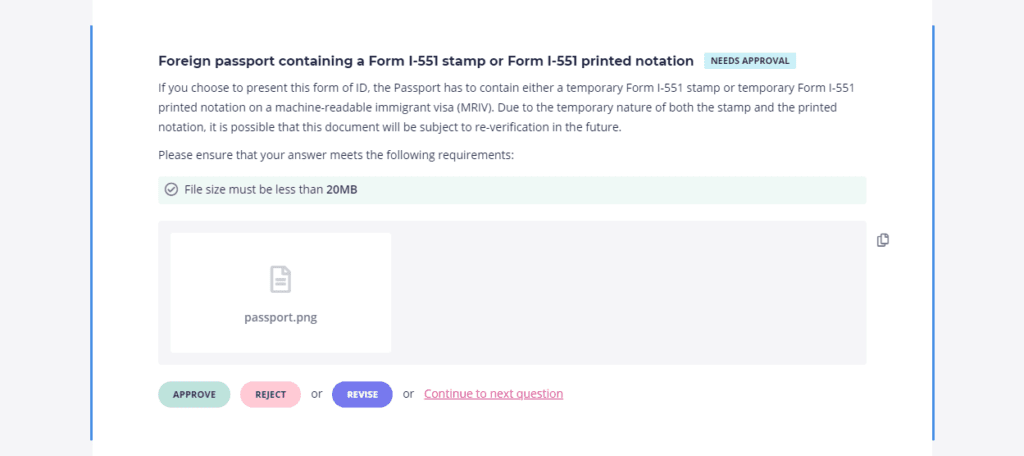
Businesses using Content Snare spend 71% less time gathering information, see a 77% reduction in costs, and report up to a 9x ROI. The platform has been featured on Xero, WP Engine, and Smart Company, and is highly rated on G2, Capterra, and the Xero App Store.
Related: How NGR Accounting embraced digital document collection using Content Snare
We hope this post has helped you explore a few different ways you can make your life a whole lot easier when it comes to collecting files from clients.
Ultimately it comes down to what works best for your agency and whether you’re looking for one platform to take care of everything or prefer to use a mix of platforms for their own purpose.
What do you find to be your biggest challenge when requesting files from your clients, and what are you currently using? Let us know in the comments!
Content Snare helps you request files, send out reminder emails, approve or reject client files, and stay organized with a checklist.
The most secure option is using an ISO 27001-certified platform like Content Snare, which offers encryption and client portals instead of unencrypted email.
Accounting firms often use automated tools like Content Snare to streamline year-end reconciliation and other client-related tasks. Case studies show that firms relying on automation can reduce onboarding time by up to 50%.
The most reliable way is using an all-in-one tool like Content Snare because it automates reminders, organizes requests, auto-saves your clients' answers, and makes it easy for them to upload everything on time. Email, shared drives, and forms can work, but they often lead to delays, missing files, and endless reminders.

Sylva Sivz is a seasoned copywriter here at Content Snare, based out of Vancouver, Canada. She has spent years working in agency environments and moonlights as a touring house DJ!


Hi! I was wondering, can Content Snare collate Images then copy those images to google drive via zapier?
Following up on this - we now have a direct Google Drive Integration
Hey Queenie! It sure can. I see you've opened a chat with one of our support team. We're always happy to help set that kind of thing up. Soon we'll have a native integration with Google Drive too so you won't need to use Zapier
Hello,
A quick question regarding the content Snare,
Is it possible to use this platform for the several brands combined, without mixing the brand's incoming and outgoing workflow?
Like to separate brands as a folder and click on these folders giving you an option to see all info according to the brands, or this should be for the particular brand?
Thanks in advance
Yes. It just requires individual accounts for each brand. You can switch between them easily with the "Switch Company" function