


Time tracking is important for all types of client-oriented businesses, but it’s paramount in the legal profession where every minute logged accurately translates directly into revenue. This makes precise time management a cornerstone of your long-term success.
Industry reports reveal that over 80% of law firms use time-tracking software, with more than a third of them capturing at least 5 hours a month thanks to it. On the other hand, traditional methods such as spreadsheets or manual notes are not only outdated but also painfully inaccurate and labor-intensive. That’s why agile law firms turn to time tracking software to make sure every billable minute is accounted for efficiently.
In this article, we’ll give you a detailed overview of our favorite time tracking tools for law firms.
But before we get into that, let’s answer one very important question.

No one enjoys adding yet another software to their toolkit, but sometimes the benefits seriously outweigh the drawbacks of password fatigue. Law firm time tracking software is not only about time tracking as such — it’s about a whole range of extra perks that you may not spot at first.
Here’s what you get from using a modern system with time tracking features:
We can add more items to the list, but these should be enough to clearly underline the importance of accurate time tracking data for legal professionals.
The number of time tracking tools is truly incredible, so most companies find it hard to figure out what’s best for them. We’d like to help you pick the right software by showcasing five options with unique pros and features.
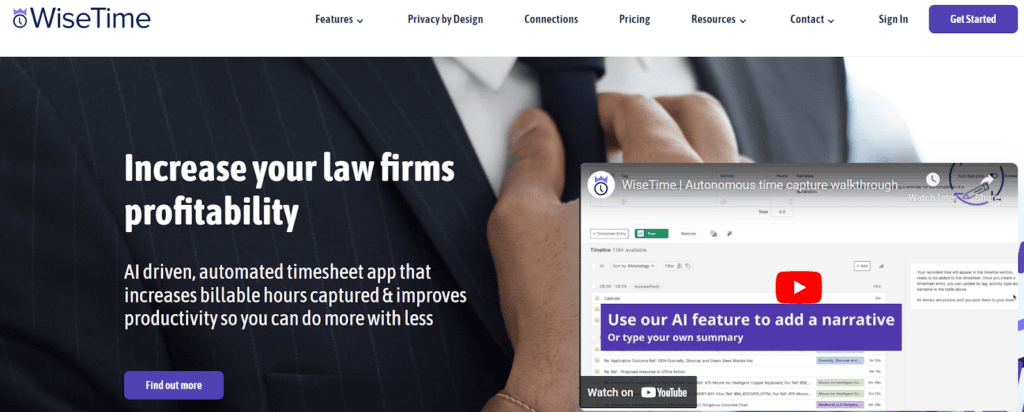
WiseTime is an AI-powered time tracking solution tailored specifically for law firms. The system lets you do your job while passively tracking billable time. This kind of automation not only enhances accuracy but also boosts productivity because you can focus on your core responsibilities.
WiseTime adds a layer of discretion to your activities through privacy controls — it’s easy to review or even delete unnecessary time entries to avoid sharing them with your team. Here’s a nice summary of WiseTime based on a fairly recent Capterra review:
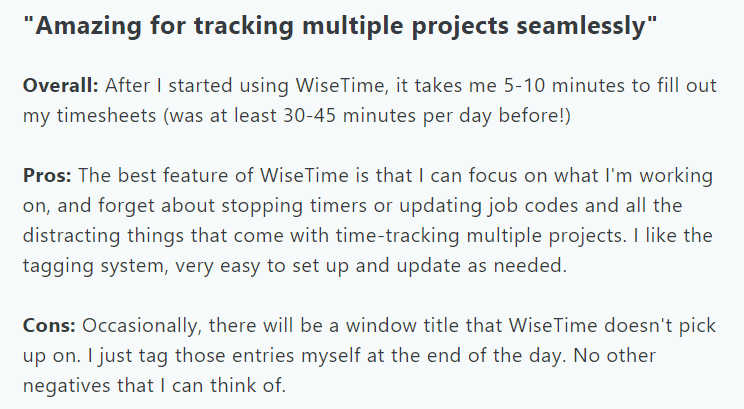
On the other hand, we need to mention that WiseTime isn’t the most advanced time tracking tool in terms of data analytics. Its reports often feel a bit rudimentary, and we’ve read quite a few user reviews saying they would “like to be able to better automate and customize reports.”

Clockify is a versatile time tracking platform for all types of organizations. Thanks to its free plan, the tool is ideal for small law firms seeking a reliable solution without breaking the bank.
Clockify has a fairly simple interface for effortless tracking and recording of billable hours across multiple clients. It also offers a broad scope of reporting features, so you can create detailed insights into time utilization, attendance, overtime, client billing, historical rates, and many more in just a few clicks.
Here’s a concise but accurate overview of Clockify:
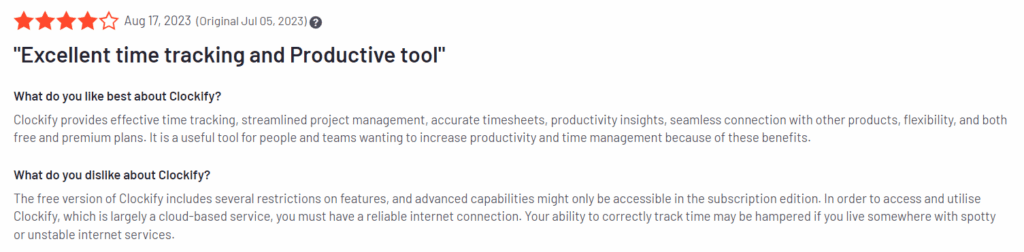
The only downside is that many clients complain about the lack of important features in a free version of Clockify, but it definitely isn’t a serious drawback for such a powerful time tracking tool.
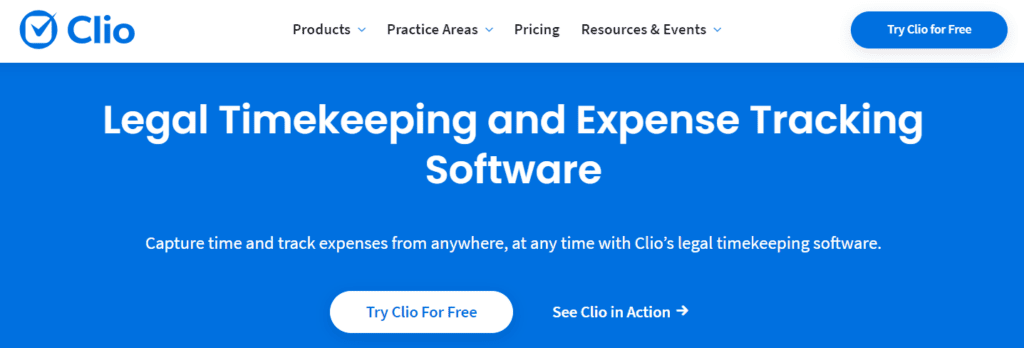
Clio stands out as a comprehensive legal practice management software with time tracking capabilities. This means you can also use it for case management, billing, online payments, client communication, and many other tasks.
We particularly like Clio’s mobile app which helps legal professionals track time and manage cases on the go. It also works as a document management system with auto-filling functionalities and built-in legal templates. This is Clio in a nutshell:
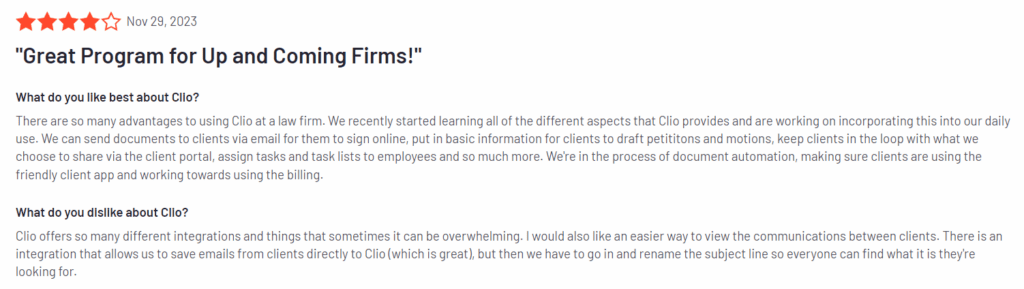
On the downside, the pricing structure of Clio can be prohibitive for smaller law firms or solo practitioners. If you don’t need such an all-encompassing feature set, you’ll probably be better off with a different legal timekeeping software.
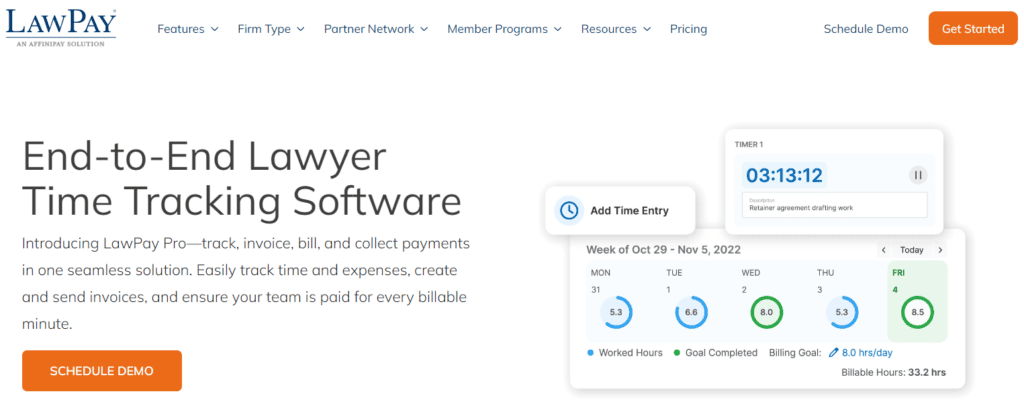
LawPay is a payment processing solution with built-in time tracking features. It covers all aspects of the time tracking process, from phone calls and email to document management. At the same time, LawPay enables you to quickly generate and send professional invoices while ensuring compliance with legal billing guidelines.
You can use it to track payments, reconcile accounts, and improve overall financial transparency and accountability. As a finance-oriented system, LawPay also integrates with one of the most popular accounting tools, QuickBooks Online.
LawPay earned truly impressive comments on all of the major user review websites, so let’s just include one of them:

Not too many clients talk about it, but we’ll mention one possible drawback of LawPay — its transaction fees may be higher compared to generic payment processors. Despite this, LawPay remains a great choice for law firms searching for a secure payment processing solution with time tracking abilities.

The last item on our list is Harvest, a tool that streamlines the process of recording billable hours across various clients and cases. It creates simple timesheets that you can access on desktop and mobile devices.
Harvest lets your team members create custom reminders — it’s a practical feature that encourages users to consistently submit timesheets. The good thing is that you can integrate Harvest with more than 50 third-party tools (or thousands if you don’t mind doing it via Zapier), which further improves efficiency through automated data synchronization.
This platform gathered 1000+ Capterra and G2 user reviews, but we’ll leave only one here:
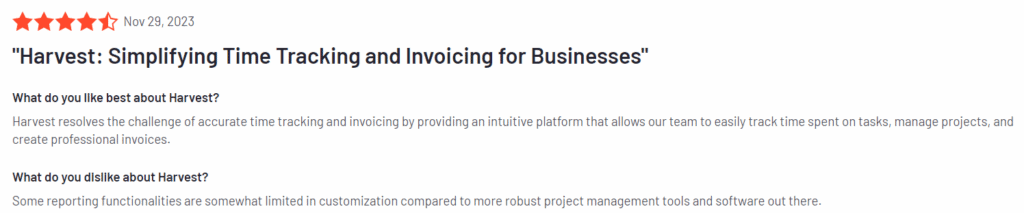
Though the overall impressions are excellent, we did see a lot of clients saying that Harvest’s reporting dashboards are limited and not customization-friendly.
| TOOL | PROS | CONS | PRICE | FREE TRIAL | RATING |
| WiseTime | Tracks time without interrupting your workflow | Data analytics and reporting could be more advanced | Starts at $360 a year | 30 days | G2Capterra |
| Clockify | Good free version | You’ll need to upgrade to access nonbasic features | From free to $11.99 per user/month | There’s a free version | G2 4.5Capterra 4.7 |
| Clio | Time tracking with practice management | A hefty price tag | From $39 to $129 per user/month | 7 days | G2 4.6Capterra 4.7 |
| LawPay | Outstanding client billing features | Payment processing fees can be high | $19 per month or custom | No | G2 4.8Capterra 4.9 |
| Harvest | Many third-party integrations | Limited customization options | Free or $10.8 per user/month | 30 days | G2 4.3Capterra 4.6 |
Time tracking is relatively simple — pick any tool from the list and you’ll face zero problems managing your cases. But there is one more way to further boost productivity by freeing up some of your precious time: It’s called Content Snare.
Our platform will help you eliminate information bottlenecks with advanced data and document-gathering forms:
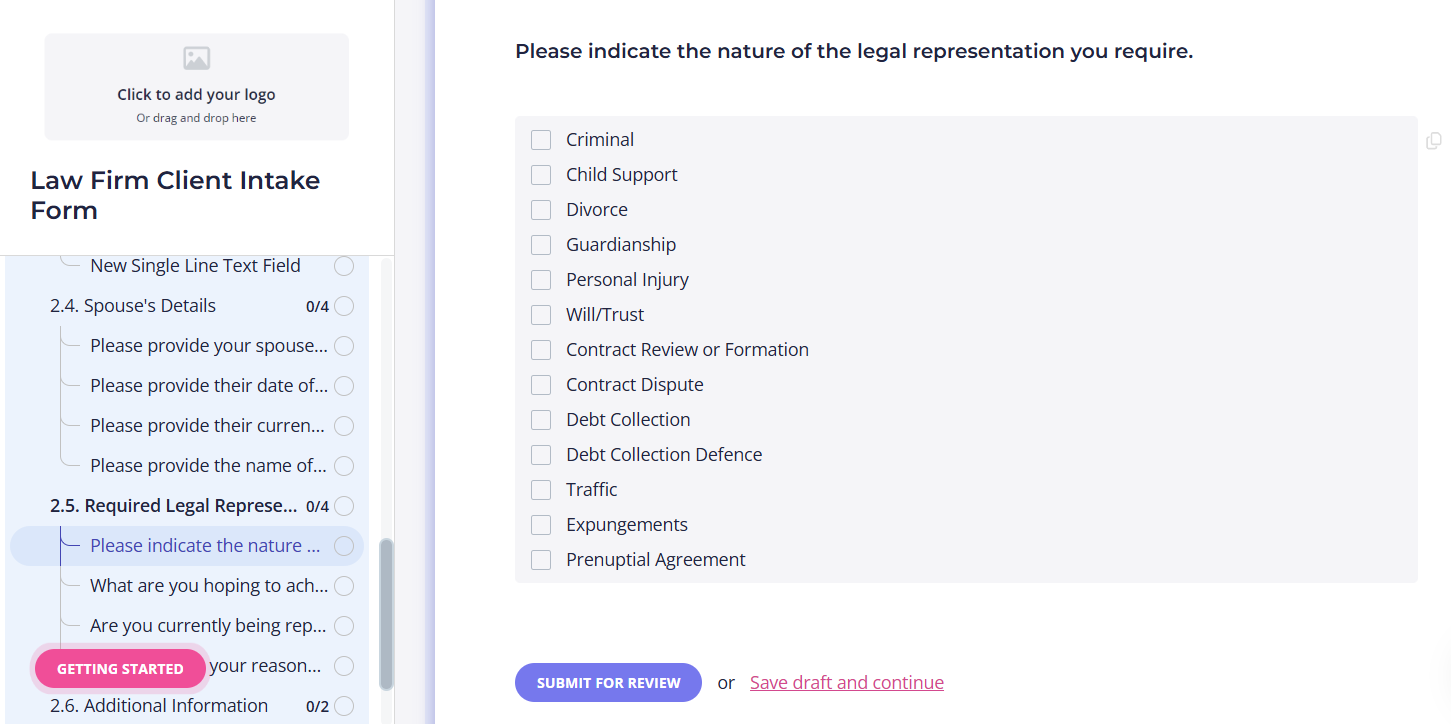
In fact, firms using Content Snare report a 67% reduction in stalled cases and spend 71% less time chasing down documents.
As a truly comprehensive client portal for law firms, Content Snare turns data collection into a semi-automated process, so you don’t need to waste hours every month gathering client-related information. Many legal professionals also appreciate the security: Content Snare offers military-grade encryption with multiple layers of data protection.
Related: How Day One Advisory boosted efficiency and saved time using Content Snare
From automated reminders and built-in templates to auto-saving and in-form conversations, our system gives you a whole range of features that streamline client communication. We encourage you to test Content Snare right now by signing up for a 14-day free trial.

Dražen Vujović is a journalist and content writer. More importantly, he is a father of two and a long-distance runner.


