


The best client intake software takes care of all those boring little tasks that eat up your day like chasing clients for files or sending reminders. Content Snare leads the pack with its amazing automation features, but there are a few other options that also bring something unique to the table. In this post, we’ll walk through five of the best client intake software options to help you optimize onboarding and make a great first impression with every new client.
Stop wasting hours chasing missing info. Our client intake software automates requests and reminders, so you can onboard clients faster.
To create this list, we read through hundreds of user reviews and tested each client intake software for real-world usability. Our focus was on automation, form customization, client experience, data security, and overall value for money. With that said, here are our top picks.

Content Snare is the best client intake software because it solves all of the usual onboarding issues. The platform is designed to help client-facing firms collect information and documents without the back-and-forth. Here’s how representatives of Incra Group explain it:
You definitely need to adopt Content Snare because one of the most limited resources for an accounting firm is time, and it’s something that’s going to save you a hell of a lot of time.
One of the biggest time-savers is Content Snare’s library of ready-made intake form templates for different industries, from accountants and bookkeepers to marketing agencies, consultants, real estate and legal professionals. Each template can be customized to match your workflow, so you can start collecting the right information in minutes, not hours.
Other important features of Content Snare’s client intake software include:
Behind the scenes, everything is protected by military-grade encryption and ISO 27001-certified security, so both you and your clients can rest easy knowing sensitive data is safe.
Sign up for a free 14-day trial to see Content Snare in action.
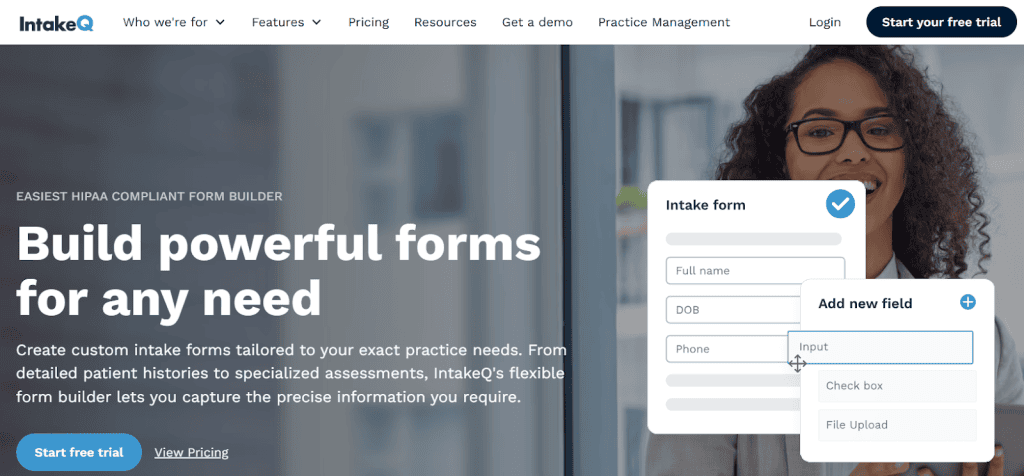
IntakeQ is right up your alley if your clients are patients, not projects. It’s built with healthcare and wellness professionals in mind: think therapists, clinics, and nutritionists who need to gather sensitive information without breaking a sweat (or any privacy laws). The platform offers:
That way, IntakeQ keeps everything buttoned up and confidential. You can also automate appointment scheduling and form delivery, meaning clients fill out their details before they even walk through the door.
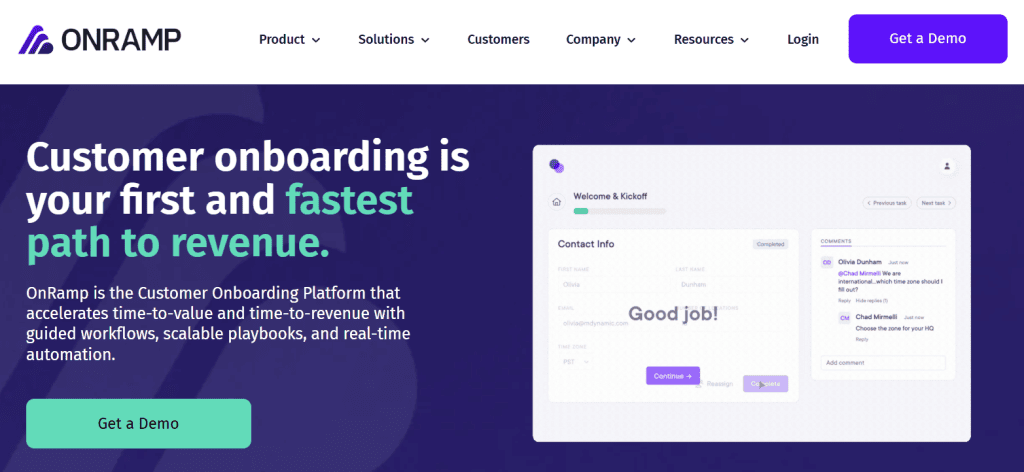
OnRamp is best suited for B2B companies that want to onboard customers faster and set them up for long-term success. Instead of treating onboarding as a one-and-done task, OnRamp turns it into a structured experience that helps new customers hit the ground running and stick around longer. Here’s what it offers:
OnRamp helps your team build stronger relationships right from day one, which makes it a pretty good choice for B2B teams focused on retention, expansion, and smooth customer experiences, and not just getting clients through the door.

Instead of focusing purely on collecting client information, OnboardForm helps you map out and automate the entire onboarding workflow, from first contact to project kickoff. For example, when a client submits their intake form, the system can notify your team, create a task in your project management tool, and send a personalized welcome email. Some of the most useful features include:
That way, OnboardForm connects all the dots between your tools and teams. Once a client completes a form or hits a milestone, the system automatically updates tasks and notifies the right people.
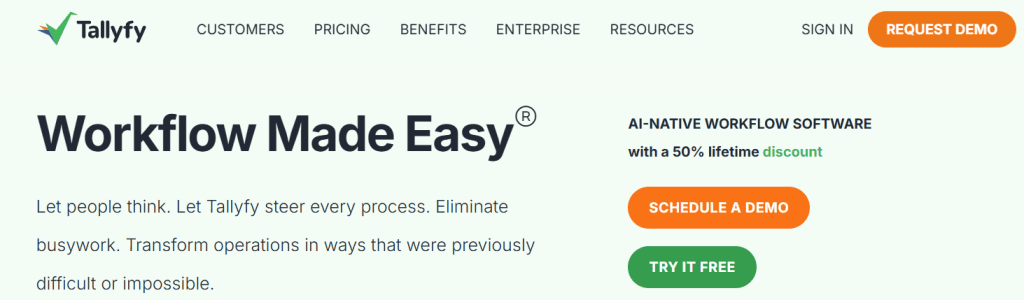
Tallyfy is your go-to if you like having every step in your client onboarding mapped out to a T. It’s built for teams that thrive on structure, the kind that prefer ticking boxes to chasing emails. Tallyfy turns onboarding processes into a repeatable workflow thanks to these features:
Each client follows a consistent path through Tallyfy, so your team knows exactly what’s next without missed steps or crossed wires. It’s a solid choice for businesses that love process and want onboarding that runs like clockwork.
We know that our list of the finest client intake software solutions doesn’t have to suit your exact interests. Should you wish to dig deeper and find a tool that fits your specific workflow, make sure it ticks these boxes:
If you can’t find client intake software that balances all five, make sure to give it a try.
Stop wasting hours chasing missing info and files. Our client intake software automates requests and reminders, so you can onboard clients faster.
Client intake software is a digital tool that automates how you collect information and documents from new clients. Instead of sending emails, it enables you to organize onboarding in one secure place and start projects faster while making fewer errors.
Yes, Content Snare is highly customizable. This client intake software includes ready-made templates for industries like accounting, legal, marketing, and consulting, all of which you can tweak to match your exact process. You can also brand your client portal, automate reminders, and integrate it with tools like Zapier or Google Drive to fit your existing workflow perfectly.
Any business that regularly brings on new clients (think like agencies, accountants, consultants, law firms, real estate agents, etc.) can benefit. If your team spends too much time gathering info or waiting on clients to respond, intake software can save hours each week.
Content Snare uses military-grade encryption and is ISO 27001 certified, meaning it meets some of the highest global security standards. Data is encrypted in transit and at rest, and you have full control over user access, so your clients’ information stays safe from start to finish.

Dražen Vujović is a journalist and content writer. More importantly, he is a father of two and a long-distance runner.


