

When dealing with clients, you spend a good chunk of time requesting documents from them to complete the actual work, whether that be their monthly bookkeeping or re-designing their website.
The problem is that it takes a lot of time just to write and send the email. Then you hope the client actually reads it and gets you the information you need.
Here are some tips on how to write a document request email or letter, what to include, ways to save time and some samples to get you started.
Get the email template
Skip directly to the template by clicking here.
Or, if you want to get your hands on some simple document request email templates pop in your details below.
How to write a document request letter
Your engagement letter is signed, and now it's time to get to work and start gathering documents from the client.
When writing an email or letter to request documents from a client:
- Be concise - It’s important to keep your email concise and direct because people are busy. They are more likely to read through and respond to an email that is short (but not too short) and to the point.
- Keep it organized - When requesting multiple documents from clients, the list should be organized so they can use it as a checklist
- Use the correct tone - Depending on your relationship with the client, your tone may be more formal or more casual. Either way, a polite and courteous tone will go a long way to getting the documents you need.
| Note: Bear with us until the end to learn a clever shortcut to writing document request emails. |
What to include in your document request email or letter
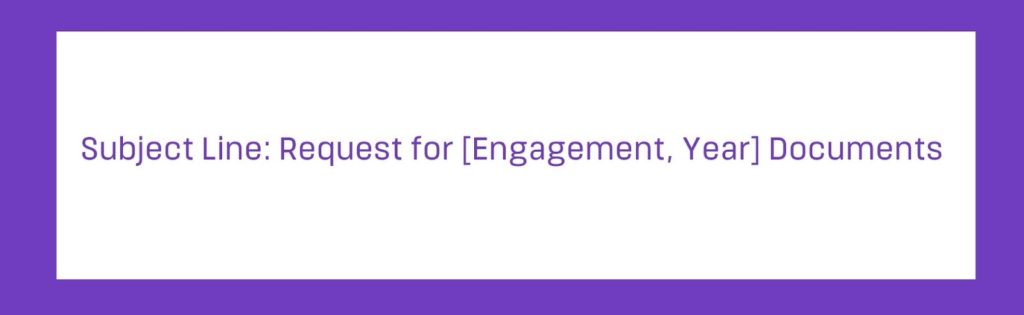
Subject line
The subject line of your email is very important as it usually determines if the recipient is going to open the email or not.
Actually, 47% of email recipients open an email based on the subject line alone.
Make the subject line clear and direct so the recipient knows exactly what the email is about.
Greeting
Open with a friendly greeting with a tone that suits the recipient, your relationship, your company culture and the particular request. A more formal request may use ‘Dear’ while a more casual email may use ‘Hey’.

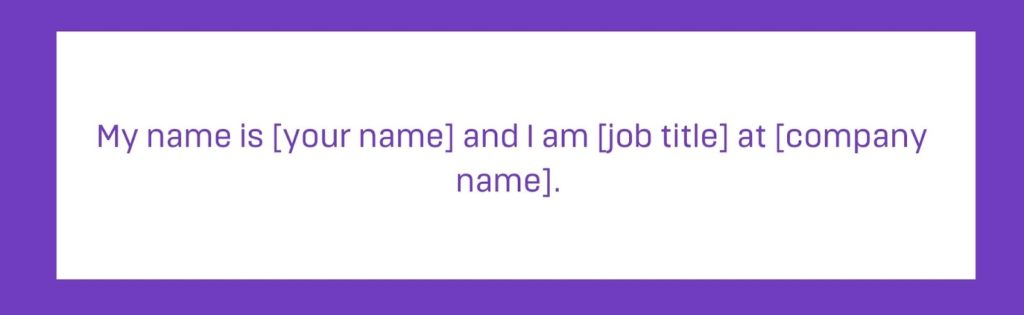
Introduce yourself
State who you are using full name, position and company name. This is especially important for a new (or fairly new) client, an existing client you don’t work with often and engagements with multiple staff.
If the recipient doesn’t know who is contacting them, they may disregard the email or letter and then the project is on hold and requires more follow up.
Of course, you don’t need to do this if they know you well.
Purpose for written request
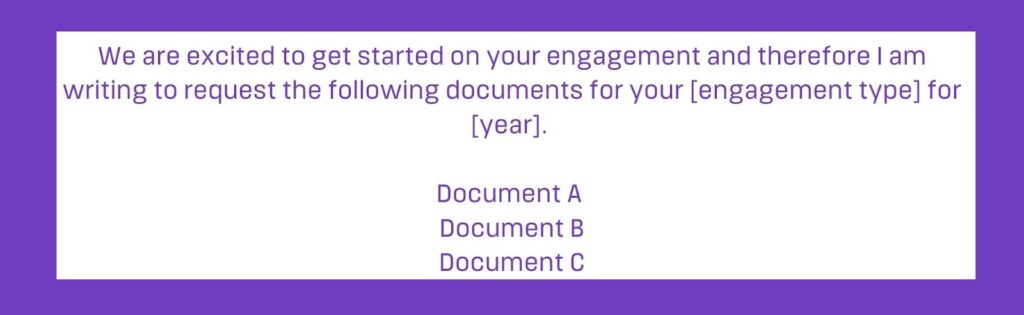
Then, explain why you are writing. Outline the requested documents and why you require them. For example, we require annual property tax statements as support for prepaid expenses. You want to include an easy to follow checklist of documents (especially if there are a lot) so the client can stay on track when gathering the documents.
While it’s important to keep this list clear and concise, it is also important to include all the relevant details to ensure the person knows exactly what you need and why. You don’t want to go through all of this to receive a bunch of useless documents.
Call to action
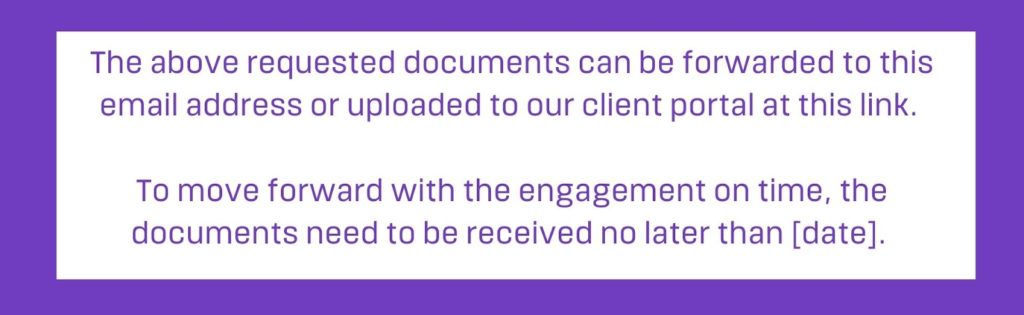
Include a clear and direct, but polite, call to action including the date the documents need to be received, if applicable. If you use a shared drive to collect documents, include the link here for the client to upload.
If you’re using Content Snare, our automated email includes a link for them to access their document request.
Benefit to the client
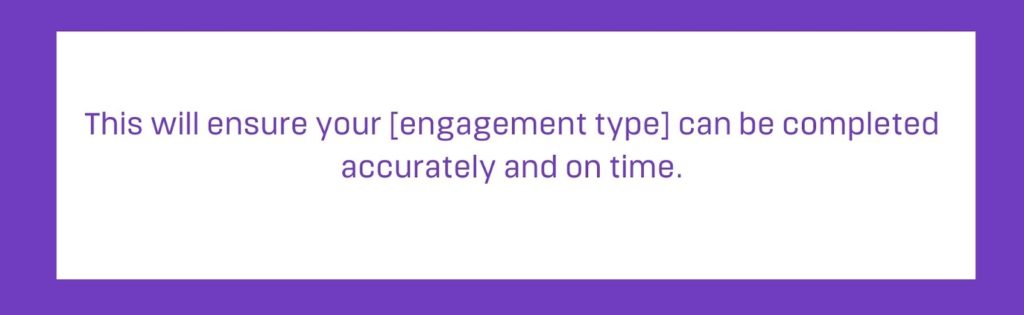
Briefly highlight the benefit of the client sending the documents as soon as possible or by the stated deadline, such as peace of mind that their taxes are done accurately and on time. When making requests, make it about the person and they will be more willing to respond.
Closing
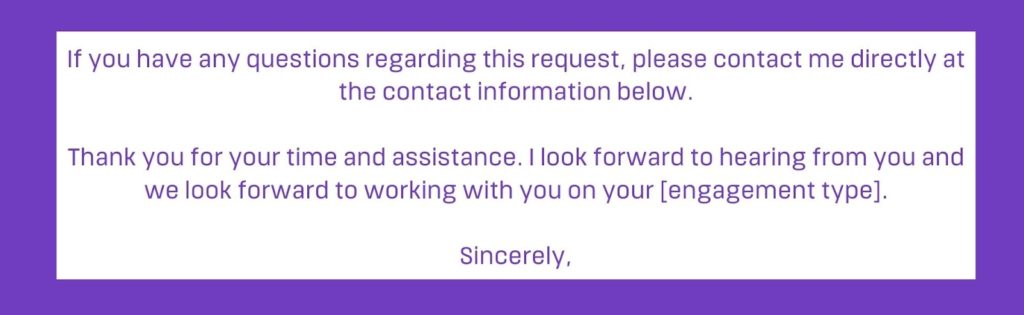
Thank your client for their time and urgency on this request. Let them know that you are looking forward to working with them on their engagement.
Contact Information
Be sure to include all the ways you can be contacted and encourage your client to contact you if they have any questions or concerns.

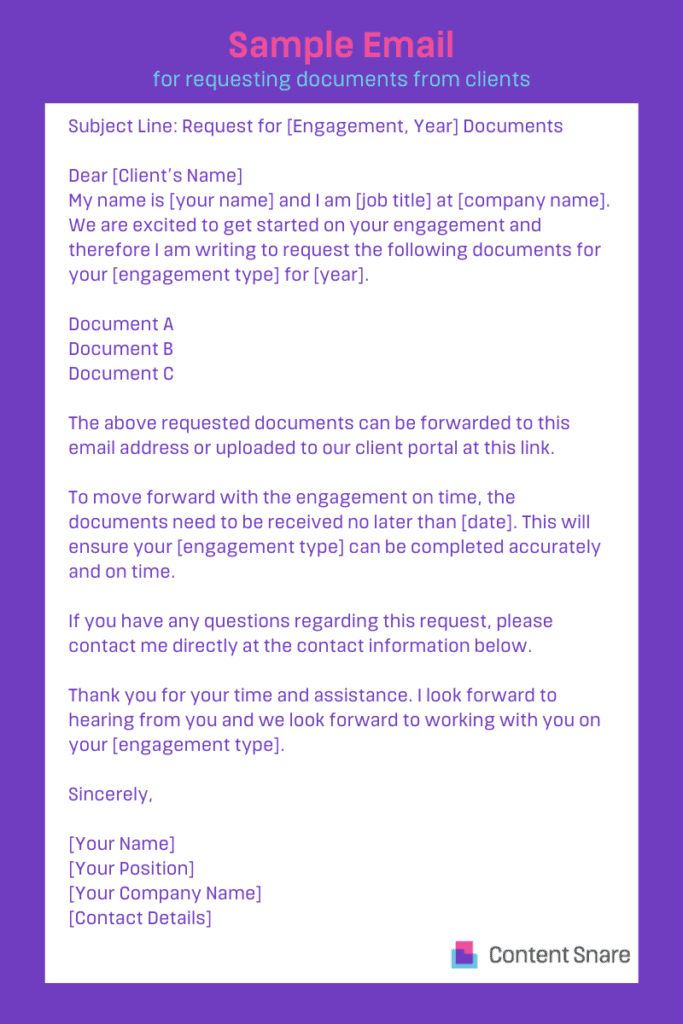
Sample letter or email template for requesting documents from clients
Requesting documents will look different depending on whether it's to a new or existing client. You can also use these templates via email or as a request letter in the mail.
Sample letter or email templates should be used as a reference and adjusted to fit your business’ needs.
Document request email for new or existing client
Subject Line: Request for [Engagement, Year] Documents
Dear [Client’s Name]
My name is [your name] and I am [job title] at [company name]. We are excited to get started on your engagement and therefore I am writing to request the following documents for your [engagement type] for [year].
- Document A
- Document B
- Document C
The above requested documents can be forwarded to this email address or uploaded to our client portal at this link.
To move forward with the engagement on time, the documents need to be received no later than [date]. This will ensure your [engagement type] can be completed accurately and on time.
If you have any questions regarding this request, please contact me directly at the contact information below.
Thank you for your time and assistance. I look forward to hearing from you and we look forward to working with you on your [engagement type].
Sincerely,
[Your Name]
[Your Position]
[Your Company Name]
[Contact Details]
There’s a better (and safer) way to request documents from clients
To be honest, e-mail kinda sucks for requesting documents and it isn’t very secure either.
Emails get buried. Attachments go missing. You spend half your day writing follow-ups, tracking who sent what, and piecing together documents from different threads. It’s frustrating, time-consuming, and honestly — it’s not what you’re paid to do.
That’s exactly why tools like Content Snare exist.
Instead of sending document requests manually over email, our online form builder gives you a centralized and automated way to collect everything you need — without all the back-and-forth. Here’s what it looks like in action:

Source: Content Snare’s editable landing page design form template
Businesses that have implemented Content Snare report spending 71% less time gathering information and achieving a 67% reduction in stalled projects, which translates directly into faster client onboarding and improved cash flow. This is how Ranksey Digital Marketing explains it:
“Content Snare saves me at least 4 to 5 hours per client, which equates to 40 or 50 hours per month, at least.”
How does it work?
Using Content Snare is simple — you create a request using ready-made but fully customizable templates for common projects like tax returns, onboarding, or website design. Alternatively, you can use our smart request creator and let AI do the whole thing for you based on your list of questions or even plain description.
Once done, your clients will receive a user-friendly form where they can see exactly what’s needed — and upload files directly. Meanwhile, automated reminders do the chasing for you — politely nudging clients until everything is complete.
No messy email threads. No missing attachments. No confusion. This user review sums it up perfectly:

Source: G2
Content Snare is trusted by over 1,600 organizations worldwide and has earned recognition on platforms like Capterra, G2, and the Xero App Store for being among the most secure, ISO 27001 certified, and user-friendly document collection tools available.
If you want to make a serious impression on your clients - and save your organization a lot of time - sign up for a free 14-day trial. No credit card required, no strings attached!