
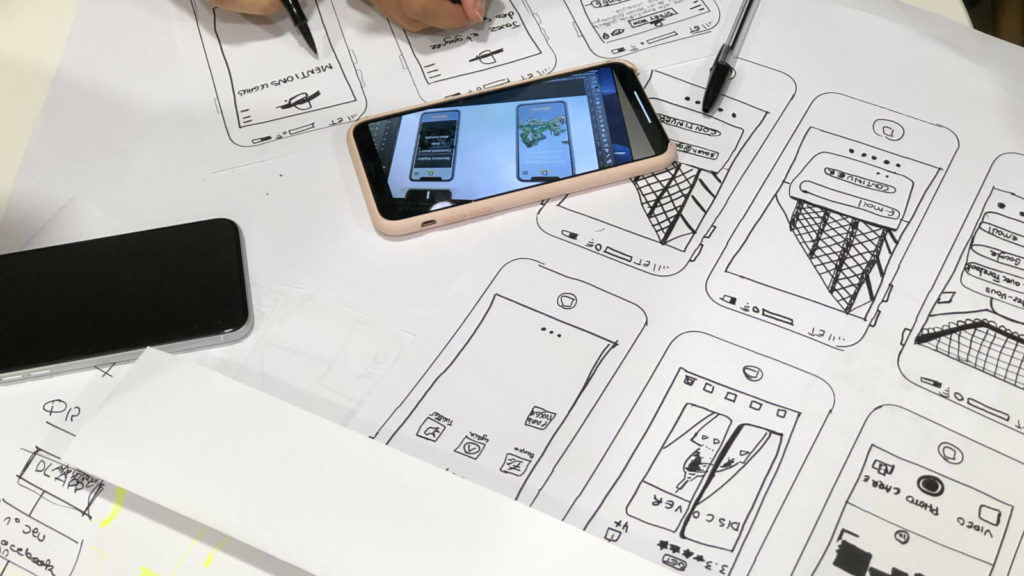

Creating a prototype is one of the most useful steps you can take when collaborating with a client during the design process of any project.
When your client can see a visual representation of the design you’re creating for them, it allows them to either approve of where you’re going with the project or pinpoint any changes they’d like you to make. It takes away the hassle and the additional step of having to make more changes after the final project is presented.
So, what's the best design tool for UI/UX designers to make your client’s vision a reality? We’re going to give you a quick rundown of the 11 best prototyping tools out there so you can choose the best one for you.
Note: To compile this list, we reviewed over 30 prototyping tools, compared features, tested cross-platform compatibility, and gathered feedback from UI/UX designers across industries — including product design, SaaS, and eCommerce. Tools were ranked based on usability, collaboration features, integration options, and pricing flexibility. Stay with us till the end to see a bonus suggestion!
Adobe XD prides itself on being built from the ground up to address the needs of today’s UX designers. It eliminates speed bumps and creates a high-quality, seamless performance when it comes to designing a prototype or wireframe.
Benefits:
Sketch is designed to provide the tools you need to help you work faster and more efficiently when it comes to prototype design. It works as a vector-based design tool renowned mainly for its intuitive interface and powerful features that make it easier to build high-fidelity prototypes and collaborative workflows.
Benefits:
InVision is the most popular prototyping tool in the world for UI design, used by top companies such as Netflix, Amazon, Airbnb, and HBO to create game-changing prototypes. It stands out with its excellent collaboration features that help designers gather feedback through real-time comments and annotations.
Benefits:
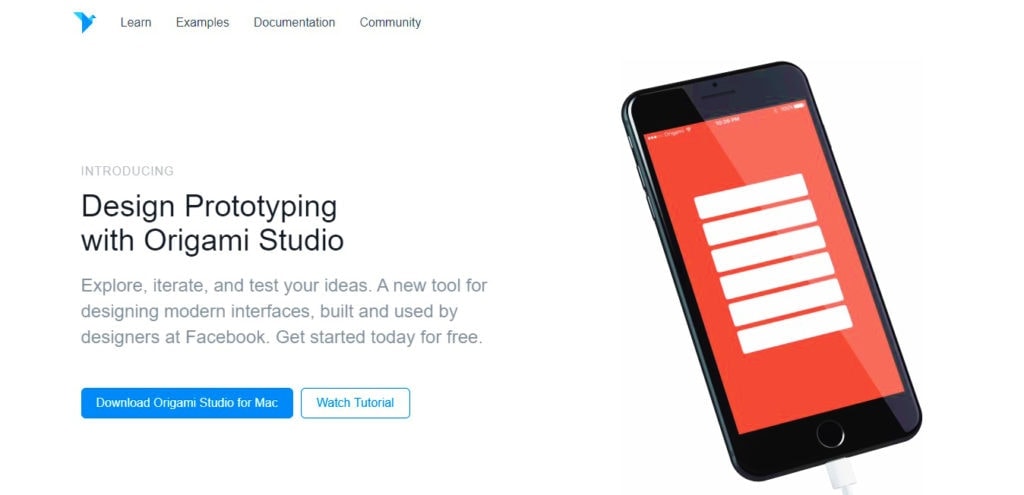
This awesome prototyping tool was actually created by Facebook to help their teams create and design projects. Origami Studio lets you play with freeform drawing tools and visual elements to create the best prototype for your client.
Benefits:
Framer creators like to say their platform is the “best prototyping tool for every level”. We believe no software should make such bold self-centered statements, but Framer is definitely easy to figure out for all types of users, including newbies and industry veterans.
Benefits:
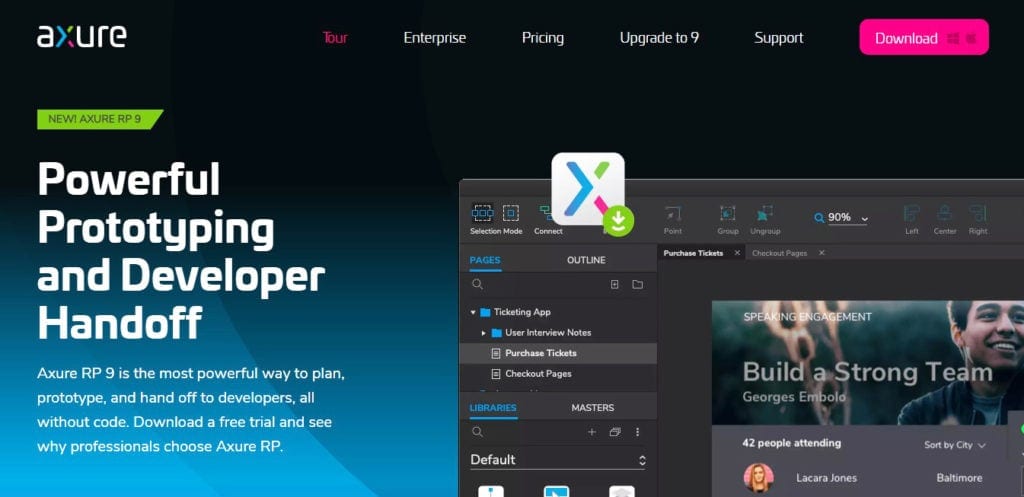
Axure provides powerful UX and UI prototyping and allows you to create dynamic, interactive prototypes to hand off to developers without the need for code. Many designers praise Axure for its ability to create highly interactive and detailed wireframes with dynamic content, conditional logic, and adaptive views.
Benefits:

Webflow allows you to design, prototype, and launch dynamic, responsive websites within your browser. Webflow sets itself apart by combining visual design and web development. That way, the platform enables you to make production-ready websites with a drag-and-drop interface and clean, semantic code export.
Benefits:

Balsamiq Mockups is meant to replicate both the ease and speed of creating mockups on paper but in an online format. With this platform, it’s easy to provide clients with a quick sketch-like interface that keeps everyone focused on structure and content without getting bogged down by design details.
Benefits:
Just in Mind is fantastic for creating anything from wireframes to highly detailed prototypes. However, we mostly appreciate the fact that it’s a fairly good free prototyping tool — though it features paid plans as well.
Benefits:
Principle is strictly a prototyping tool which makes it fast and easy to design high-quality, interactive prototypes filled with animation. We are mainly impressed by its intuitive timeline-based interface that lets designers build and refine complex animations and transitions.
Benefits:
Mockplus Cloud helps you connect your entire product design workflow and make design collaboration easier. It lets you export designs from Sketch, Figma, Axure, Adobe XD and Adobe Photoshop, handoff designs with accurate specs, assets, code snippets.
Benefits:

Prototyping is much easier if you understand what your clients want upfront. Most designers achieve this very successfully with Content Snare.
Our platform gives you dozens of ready-made client intake form templates, including web design questionnaires. This helps you learn about your client’s needs in great detail before you even start working on their website:
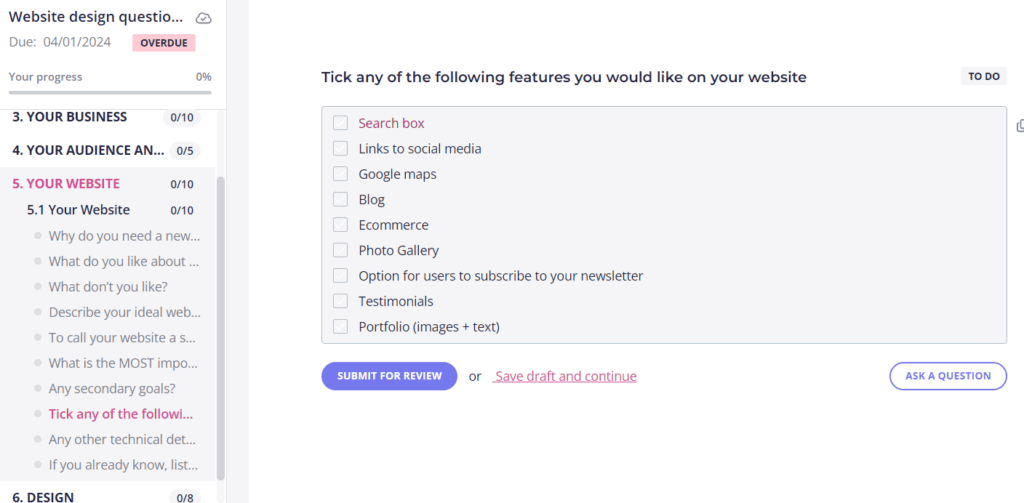
Another major benefit is that Content Snare automatically reminds your clients to fill out your forms — no need for manual work or endless email threads. More than 20 field types help you ask the right questions so clients can instantly figure out what you want.
In addition, automated request reminders and clear instructions make the onboarding process even smoother. That's exactly how Content Snare saves at least 4 to 5 hours per client, which equates to 40 or 50 hours per month, according to Ranksey.
Related: How this web design agency boosted their productivity and cut down content collection delays
But do you want to know the best part? You can try these (and lots of other) features for free — simply sign up for a two-week trial to learn how Content Snare can assist you with client onboarding.

James is the co-founder of Content Snare - a software platform that helps professionals collect content & files from clients.
Once an automation engineer, his new priority is to help business owners regain their lives, be more productive and get more done in less time.


