


Keeping up with clients requires staying on top of countless moving parts. Just when you think you’ve got everything under control, another email pops up, a follow-up gets missed, or an invoice mysteriously goes unpaid.
That’s why client management software exists — it helps you keep everything organized while automating the tedious stuff.
The only problem is that there’s no such thing as “best” software for everyone. The right tool depends on what part of client management you’re struggling with. So instead of giving you a generic list, we’re breaking it down by function.
Let’s find the perfect match for your needs.

Gathering client information should be simple, but it somehow always turns into a frustrating back-and-forth of missing attachments and reminders that seem to disappear into the void. It’s one of the biggest bottlenecks in professional services. For example, industry reports suggest that document collection tops the list of challenges in accounting, with nearly 70% of firms reporting delays.
That’s exactly where Content Snare comes in.
Our survey of users across industries shows Content Snare reduces stalled projects by 67% and decreases the number of incorrect submissions by 52%, directly addressing the root of these delays. Designed specifically for frictionless client onboarding and secure data collection, it eliminates the email chaos to make sure you get the right documents, on time. Here’s what it’s like to use Content Snare from a client’s perspective:

Review source: G2
Why do business professionals choose Content Snare for secure and frictionless client workflows? The system is packed with many cleverly designed features that streamline data gathering, but we’ll point out just a few:
Besides that, Content Snare’s pre-built form templates allow for faster setup. Whether you need client onboarding forms, tax documents, or legal paperwork, you can customize and reuse them in a few clicks.
Ready to reduce email overload and automate your document collection? Try Content Snare free for 14 days - no credit card required.
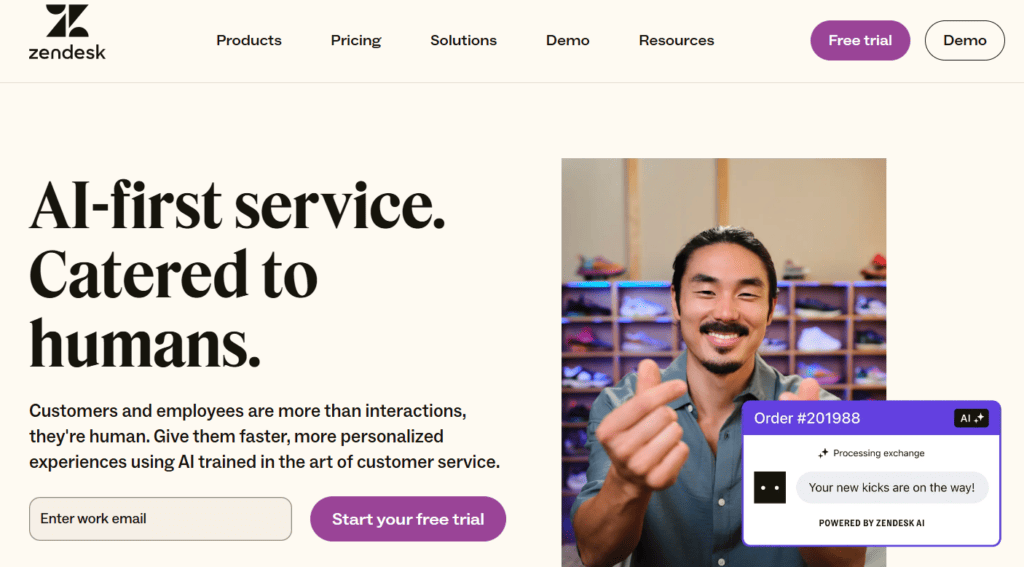
No matter how well you manage client relationships, support requests will always come in. And when they do, the last thing you want is to dig through emails, Slack messages, or random notes to figure out what’s going on. Clients expect quick and organized responses, which is what Zendesk helps deliver.
This tool improves client support with an intuitive ticketing system paired with automation tools and a knowledge base. That way, you can manage inquiries efficiently without drowning in emails. Here’s a nice wrap-up of what Zendesk can do for your organization:

Source: G2
The idea is to use Zendesk as a centralized ticketing system to avoid lost emails or duplicate responses. The system consolidates all client requests into one platform, so your team can track and resolve issues with ease. Other features that make it stand out include the following:
With its scalable features and automation capabilities, Zendesk allows you to handle client inquiries fairly, all without adding extra workload to your team.
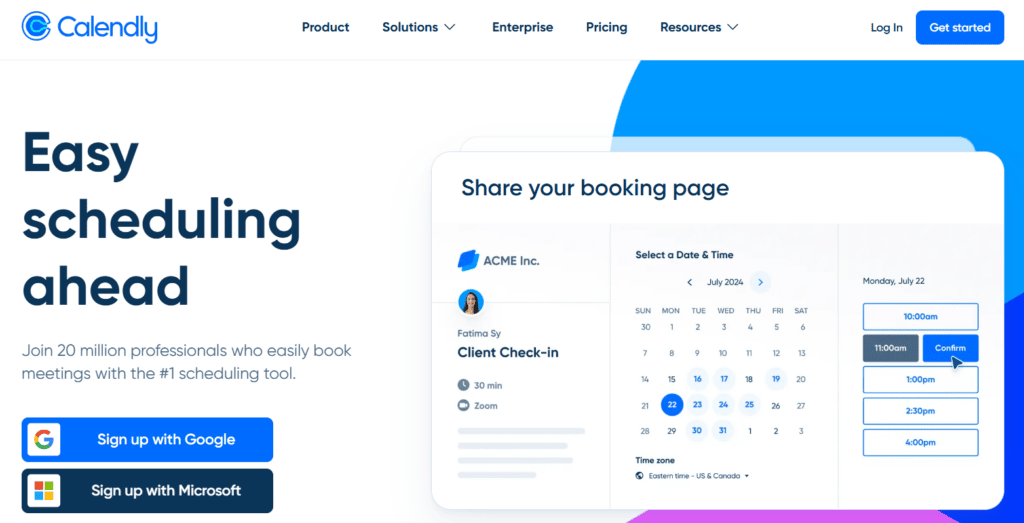
Few things are as unnecessarily complicated as scheduling a meeting. The endless back-and-forth emails and the “Does this time work for you?” dance — it’s enough to make anyone want to give up. Instead of playing email tag, Calendly allows clients to book meetings at their convenience, based on your real-time availability.
Here’s Calendly in a nutshell:

Source: G2
This platform prevents confusion and time waste thanks to the features such as:
By eliminating scheduling friction, Calendly frees up your time while keeping meetings organized. In addition, you can always use its buffer feature to add breathing room between meetings and avoid back-to-back scheduling.
Managing client projects tends to get messy, stuffed with sticky notes and imaginary to-do lists. Without a system in place, a lot of deadlines slip and client updates turn into last-minute scrambles.
ClickUp, on the other hand, brings everything together in one workspace to give you full control over every project. Though brief, this user review sums it up nicely:

Source: G2
The purpose of ClickUp is to help you stay organized, without the overwhelm. Here’s why it stands out from the crowd:
ClickUp makes it easy to stay on top of client work without the usual stress because it keeps projects structured and easy to follow.
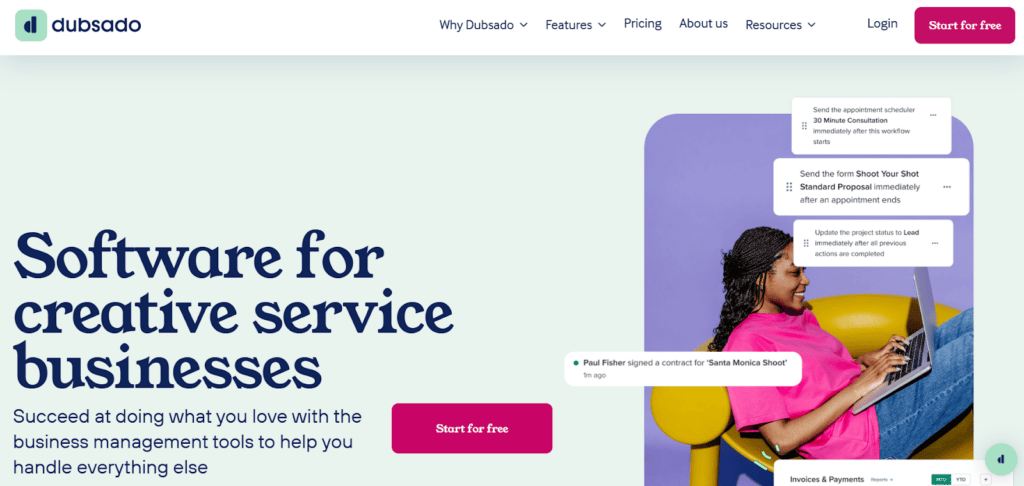
Keeping up with client tasks, emails, and follow-ups is daunting (to say the least). Miss one deadline, and suddenly you’re scrambling to send invoices or contract reminders while trying to keep projects moving forward.
Dubsado takes the manual work out of client management by automating repetitive tasks such as follow-ups and workflows. It all comes down to this:
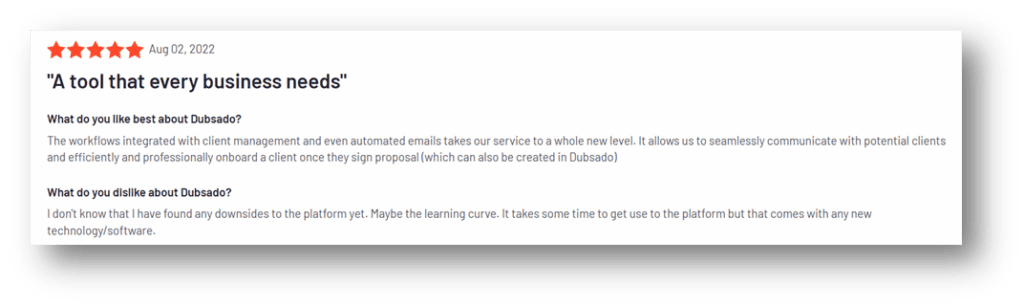
Source: G2
The system is designed for service-based businesses that want to spend less time on admin and more time actually working with clients. To make it more specific, here’s what makes Dubsado a standout choice:
With Dubsado, you’re building a system that runs smoothly in the background, keeping everything on track without constant manual effort.
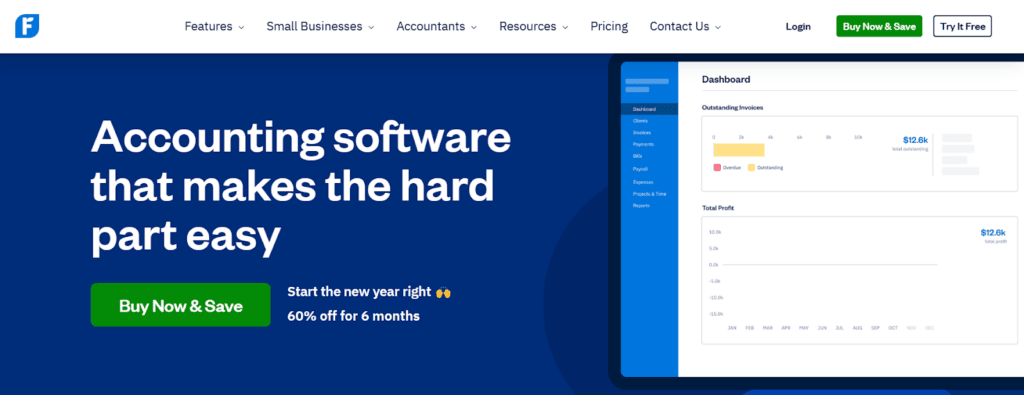
Managing client finances isn’t just about sending invoices. It’s also about keeping cash flow smooth and making sure payments actually come in on time. FreshBooks simplifies financial management by automating invoicing, payments, and expense tracking.

Source: G2
Here’s why it’s a game-changer for businesses managing client transactions:
Thanks to FreshBooks, many firms end up actually getting paid on time. It’s the platform that helps you stay on top of transactions while keeping your books in check.
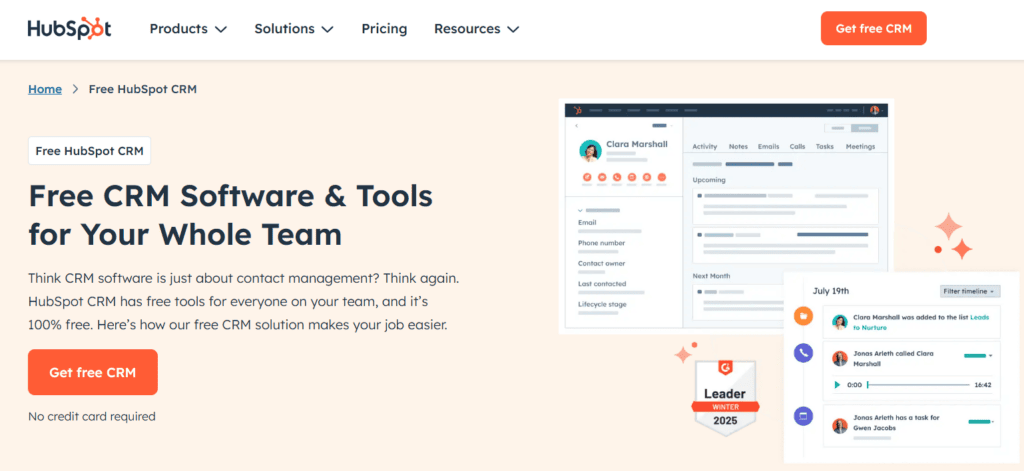
A well-structured CRM makes sure that every conversation, deal, and task is taken care of, so nothing falls through the cracks. That’s exactly what HubSpot CRM does.
This platform centralizes all client communications and tracks interactions to help you build better relationships without extra manual work. Here’s a very honest and straightforward review:

Source: G2
One of the cool things about HubSpot CRM is that you can use email templates and automation to personalize client outreach while saving time on repetitive messages. In addition, other useful features make it a go-to for ongoing client management:
HubSpot CRM makes client interactions seamless because it keeps everything organized and accessible with a click or two.

Clients love results, but what they love even more is seeing those results in clear and digestible reports. However, manually compiling data from multiple platforms to format spreadsheets and design presentations can take hours — time that could be better spent optimizing campaigns.
AgencyAnalytics improves client reporting by automatically pulling in data from SEO, PPC, social media, and other marketing channels into one centralized dashboard. That’s why it earns so many user reviews like this one:

Source: G2
AgencyAnalytics is about beautifully visualized insights delivered on autopilot. Here’s what makes it a must-have for marketers:
With AgencyAnalytics, you will definitely spend less time compiling reports and more time optimizing campaigns.
The ultimate purpose of client management is to create efficient workflows that save time and improve the overall client experience. So take a step back and ask yourself: Where do things tend to break down?
Is it scheduling, document collection, follow-ups, or something else entirely? Whatever the challenge, there’s a dedicated tool that can help you fix it. If you’re ready to make a change, identify the biggest friction points in your process and opt for the right tool to tackle them.

Dražen Vujović is a journalist and content writer. More importantly, he is a father of two and a long-distance runner.


