


Marketing teams know how hard it is to manage a vast collection of digital assets without a dedicated platform. Yes, you could try sharing rich media assets or digital content using traditional systems like email, but it’ll soon become a bottleneck that ruins your creative efforts.
There’s only one way to solve this problem: Digital asset management software. These tools enable marketing agencies and creative teams to organize, store, and distribute digital assets from one central location to boost transparency and efficiency. This post will show you some of the best digital asset management (DAM) tools, with a special emphasis on their pros, cons, and pricing policies.
| Note: Our list is based on in-house research, customer feedback, and online reviews from trusted sources like G2, Capterra, and the Xero App Store. We considered feature depth, ease of use, integrations, scalability, and real-world feedback from creative professionals. |
Stay with us to the end because we’ll add a very practical bonus suggestion for marketing teams.
Digital asset management tools are software platforms for storing, organizing, retrieving, and distributing digital assets in a centralized manner. These assets can be anything from logos and product images to marketing collateral and creative content.

Here are some of the main benefits of digital asset management systems:
Many teams also pair their DAM platforms with specialized tools for secure client uploads and approvals, particularly during the onboarding and content handoff phases. That’s where ancillary tools like Content Snare come into play.
Related: How this digital marketing agency saves 50 hours each month using Content Snare
Reports show that the digital asset management industry is worth nearly $4.4 billion. There’s obviously a lot of interest in this type of software, so you’ll find hundreds of more or less similar platforms online. In this section, we’ll focus on some of the best digital asset management systems.
Pros: It prioritizes the latest content versions to avoid working on outdated creatives
Cons: It’s not too flexible in terms of social media content scheduling
Price: Available upon request
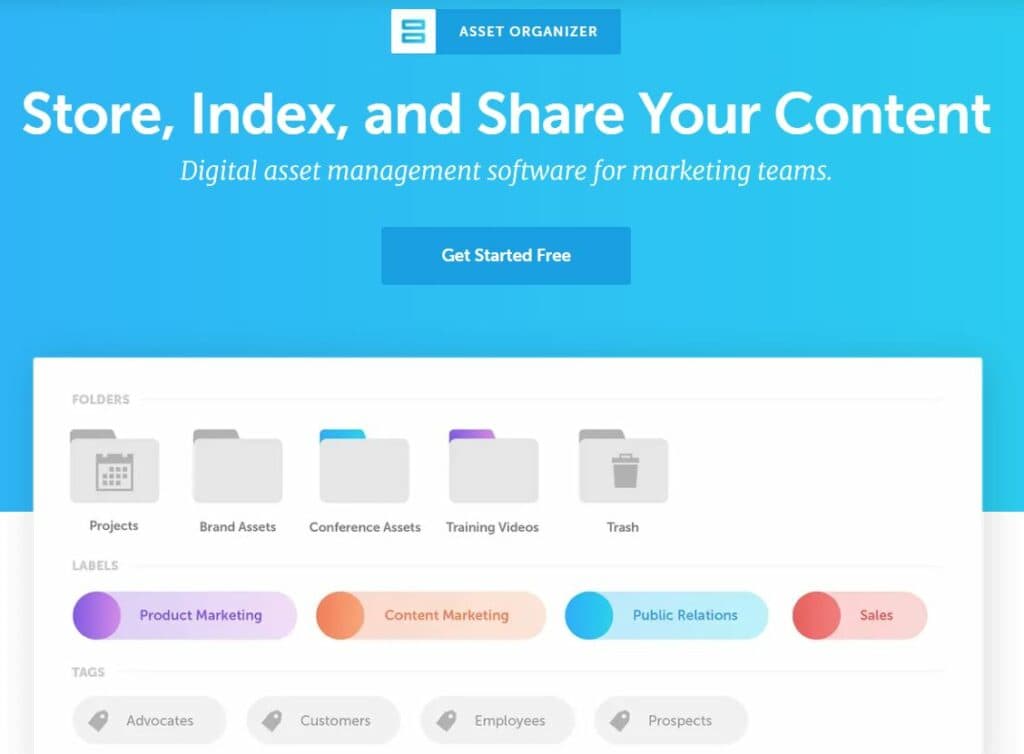
CoSchedule Asset Organizer gives you an intuitive platform for organizing digital assets. This DAM software enables you to create custom categories, tags, and folders for easy classification and file identification. The platform gives you full control over user permissions, so you can invite team members and collaborate on projects in real-time.
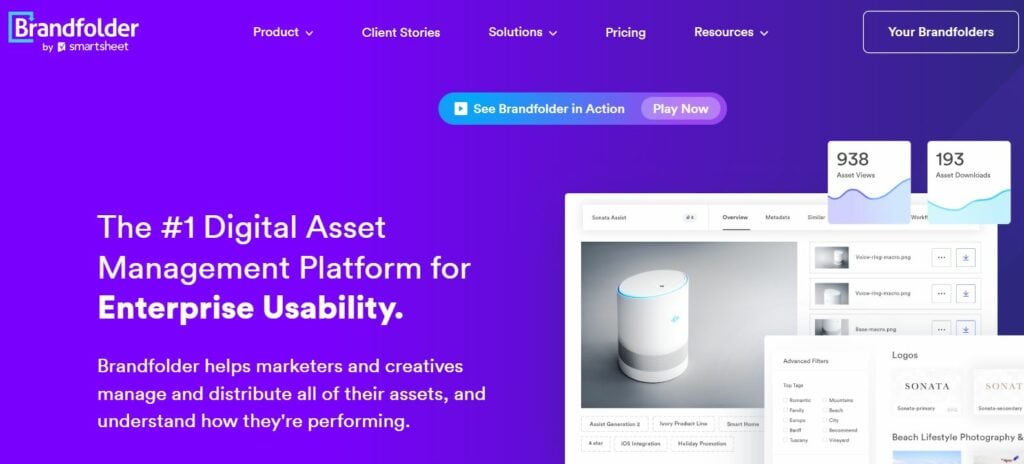
If you’re searching for an enterprise-level solution that covers marketing teams and other departments/stakeholders, give Brandfolder a try. This DAM software goes beyond simple asset organization to provide robust brand management capabilities.
It allows you to maintain consistent branding across all channels with brand guidelines and customizable templates. In addition, Brandfolder has a powerful analytics system — it’s easy to gain valuable data on asset usage or user behavior, so you can optimize asset management.
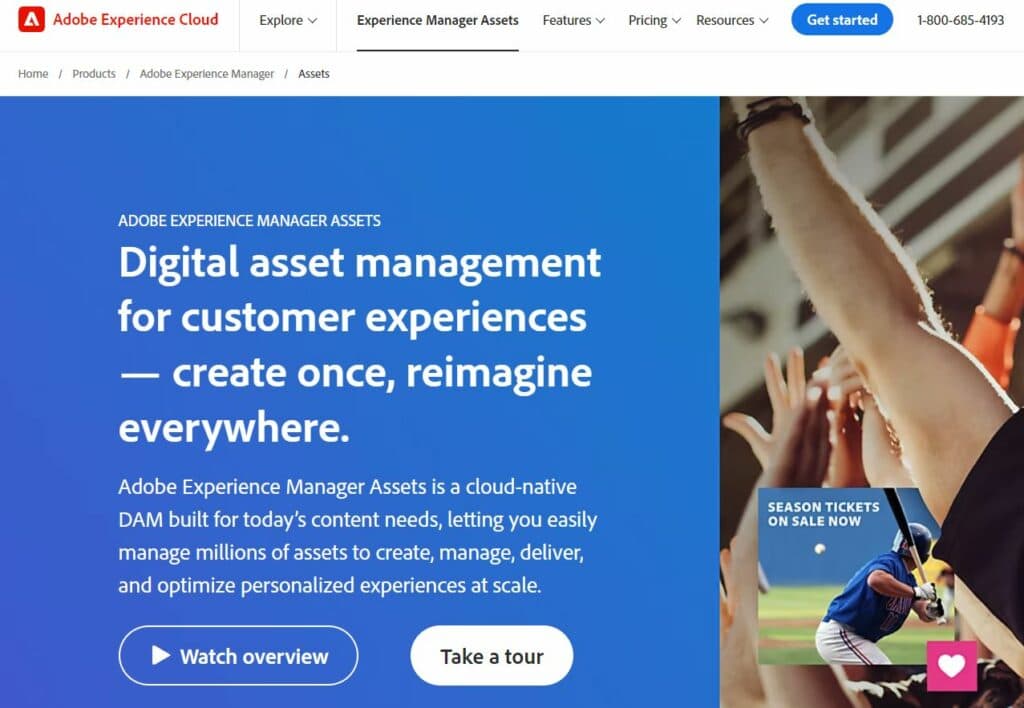
Adobe Experience Manager Assets helps marketing teams and entire companies create hierarchical folder structures with easy navigation. It comes with simple metadata tagging features that ensure precise asset categorization.
We love its intelligent smart cropping feature that automatically spots focal points in images. That way, you can keep important elements in focus after resizing. This capability saves valuable time while preserving the integrity of visual content across different channels.
Cloudinary is a streamlined digital asset management software with comprehensive solutions for all types of businesses. Its key features include seamless asset organization, detailed metadata management, collaborative workflows, and numerous authorization abilities.
What sets Cloudinary apart is the efficient asset delivery through content delivery networks (CDNs). This type of high-performance delivery allows you to transfer digital assets faster and more conveniently.
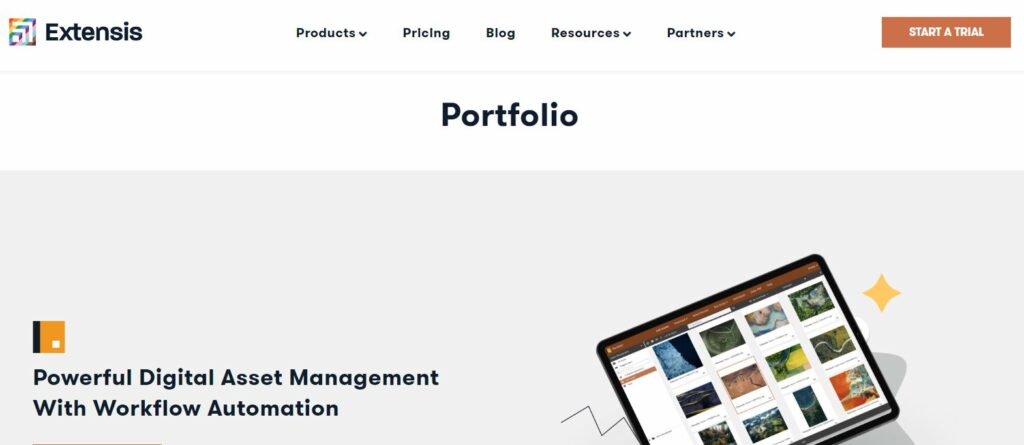
Extensis Portfolio is an excellent DAM software for agencies that keep piling up thousands of digital files. It enables you to scale your library of digital assets, while automatic keyword tagging drastically speeds up the whole process.
At the same time, Extensis Portfolio assists you in defining usage rights and expiration dates, so you can comply with licensing agreements and copyright regulations. This feature provides peace of mind and protects businesses from legal complications related to unauthorized asset usage.
Bynder gives you complete control over marketing assets, so you can manage and distribute content automatically across multiple channels. Apart from easy filters and searches, the platform takes care of the branding aspect of your work. With Bynder, you can customize the overall appearance of your portal to keep the user experience on-brand.

Wedia is a powerful digital asset management system that helps businesses manage content and optimize marketing activities. It comes with a full range of features, including AI-powered indexing and custom networks.
Unlike traditional DAM tools, Wedia offers built-in creative tools for designing and customizing creative assets directly within the platform. This feature eliminates the need for switching between multiple applications, reducing the overall complexity of your work.
Brightspot is an all-encompassing DAM software that suits all types of marketing teams, regardless of the niche. It has a solid free version, which means you can experiment with more than a hundred pre-built content types and templates.
In addition, Brightspot gives you collaboration tools like content calendars and editorial workflows, so the entire team can work together effectively and meet deadlines. The platform also supports multi-channel publishing — you can deliver content across websites, mobile apps, social media, and other digital touchpoints from a single interface.
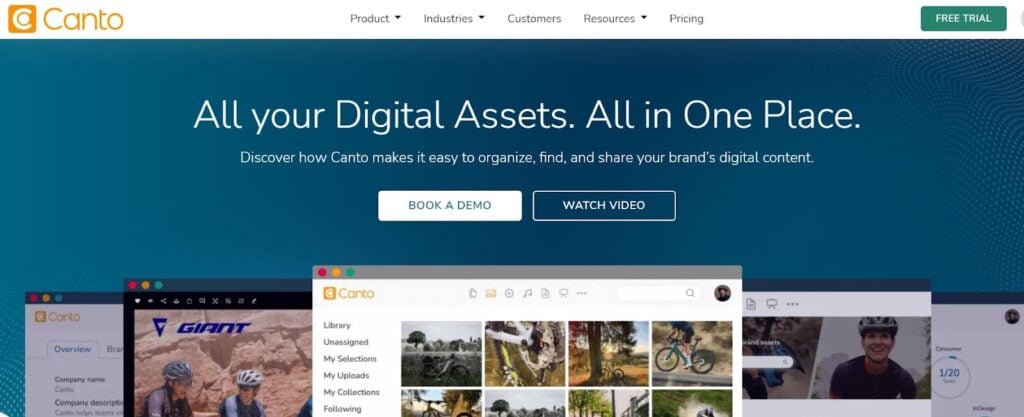
Canto serves as a central repository for marketing agencies and all their digital assets. It takes content search to another level thanks to factual recognition and AI, so you can find the right asset within seconds.
You can create unlimited Canto portals (each with a unique sharing link) to receive or share content with your team, other departments, agencies, or external stakeholders.

While Content Snare isn’t a traditional DAM system, it plays a crucial role in bridging the most common bottleneck for marketing teams: collecting assets, approvals, and creative input from clients. DAM tools are great for storing files. But they don’t solve the problem of getting the right assets in the first place, which is where Content Snare excels.
Content Snare is a secure client portal with advanced data gathering features:
While DAM platforms like Brandfolder and Bynder focus on internal asset storage and sharing, Content Snare complements these by managing the external side: onboarding clients, collecting brand assets, approving ad creatives, and keeping everything on schedule. Together, they form a complete system from intake to delivery.
Managing digital assets is much easier when you obtain clients’ content on time. Let Content Snare do this part of the work, so you can do yours.
DAM platforms store and manage internal assets, while content collection tools like Content Snare help gather those assets in the first place, especially from external clients or stakeholders. These software solutions work best when used together.
Many DAM tools support brand guidelines, asset templates, and metadata to ensure consistent visual identity across channels.
Content Snare proved to be the most secure solution because it offers ISO 27001 certification and encrypted uploads which protect sensitive brand assets.

Dražen Vujović is a journalist and content writer. More importantly, he is a father of two and a long-distance runner.


